Mouse P.I. For Hire



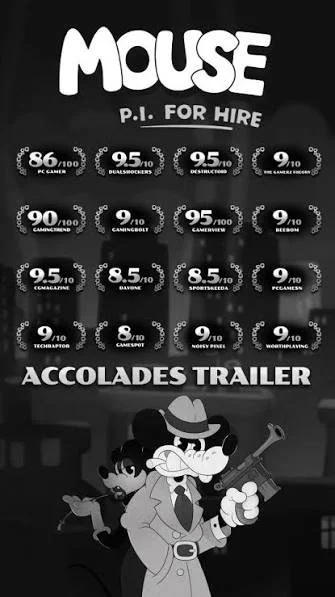
Join private investigator Jack Pepper on a guns blazing, jazz-fueled adventure in MOUSE: P.I. For Hire. MOUSE combines the charm of hand-drawn rubber hose animation inspired by the classic cartoons of the 1930’s with the adrenaline and action of an explosive first person shooter.
Genre: FPS Noir Boomer Shooter | Team Size: 60 | Project Duration: 1 Year 3 Months | Engine:

Technologies Used
Unity
GoTestify (Playtesting)
Proprietary Behaviour Tree System
Proprietary Dialogue & VO System
PowerSprite Animator (by PowerHoof)
Design Overview & Highlights
Designed & built ~12 Bosses with a team of 13.
Built x3 Levels from greybox to arted & end-to-end experiences.
Refactored character controller to modern day FPS standards.
Fork & Git
Visual Studio & Rider IDE’s (C#)
Miro
Confluence & Jira
Photoshop
Slack
Discord
Notion
Google Docs & Spreadsheets
Zoom
Vic GatoreBoss Design
Robo-Betty 1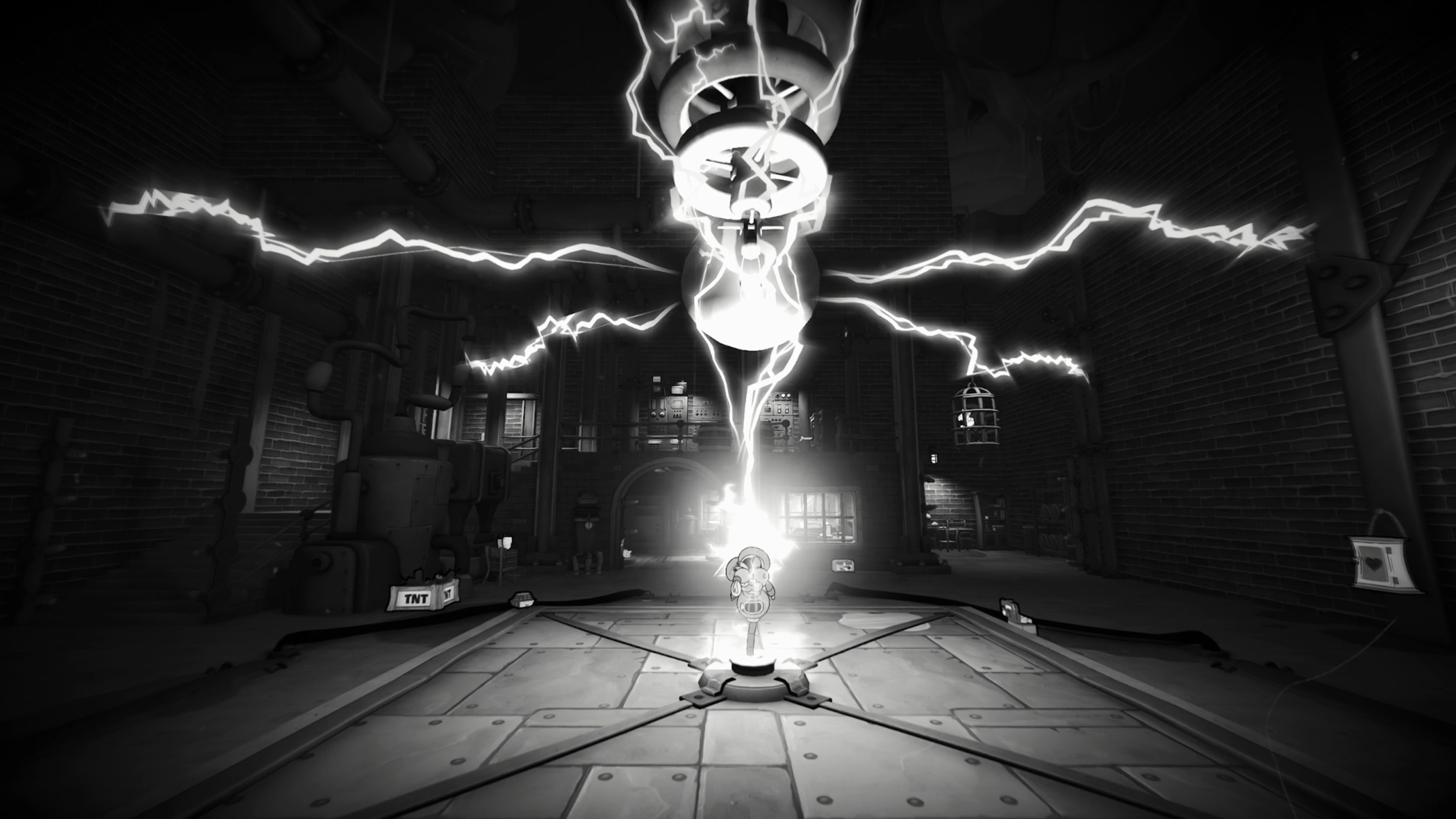
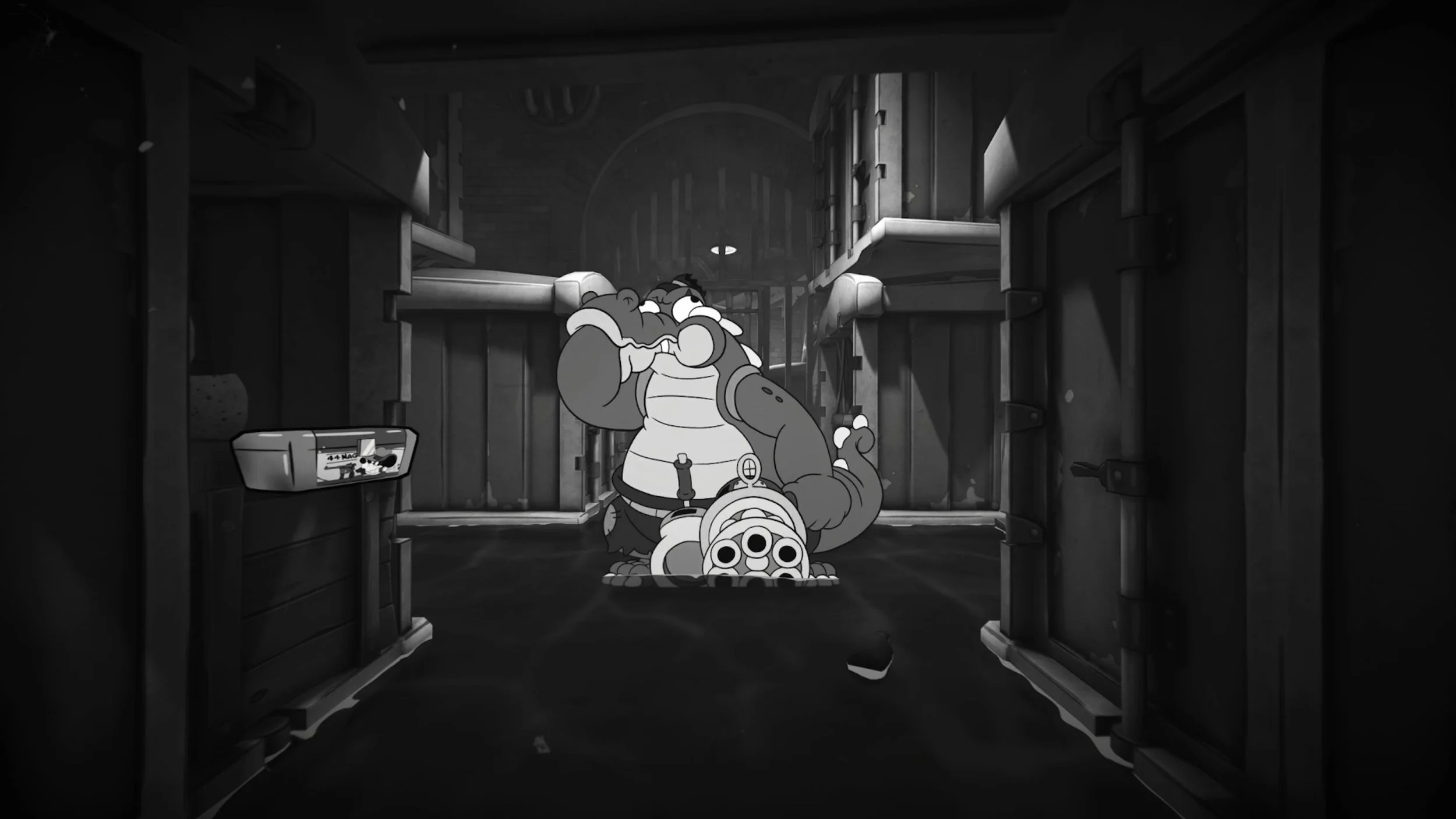
I led a 13+ multidisciplinary team to design, scope, and deliver ~12 major boss encounters. Translating paper designs into playable & polished end-to-end combat experiences. I was in-engine building and sequencing the boss fight from start to end. I oversaw and managed another designer - guiding them through boss design & in-engine implementation too.
I championed the creation & integration of a systemic boss intro cinematics. Being in engine and implementing intro sequences to each major boss. I established workflows, best practices & educated my multi-disciplinary team members (design, art, animation, audio, tech-art). I was able to delegate and then oversee the creation of multiple intro sequences. The cinematic toolset was additionally adopted game-wide by narrative designers and level designers to create context appropriate cinematic moments.
I advocated for and prototyped extra script & dialogue for both the player character and bosses. This added a vessel for extra mechanical feedback, player guidance, storytelling and flavour. I collaborated with Fumi’s lead narrative designer, presenting placeholder but intentional design led dialogue. They then turned placeholder lines into final dialogue, well written cues. All of the additional dialogue we created ended up getting fully voice acted and implemented into the game.
Boss Playthrough Videos
Robo-Betty 2
Crooked Officer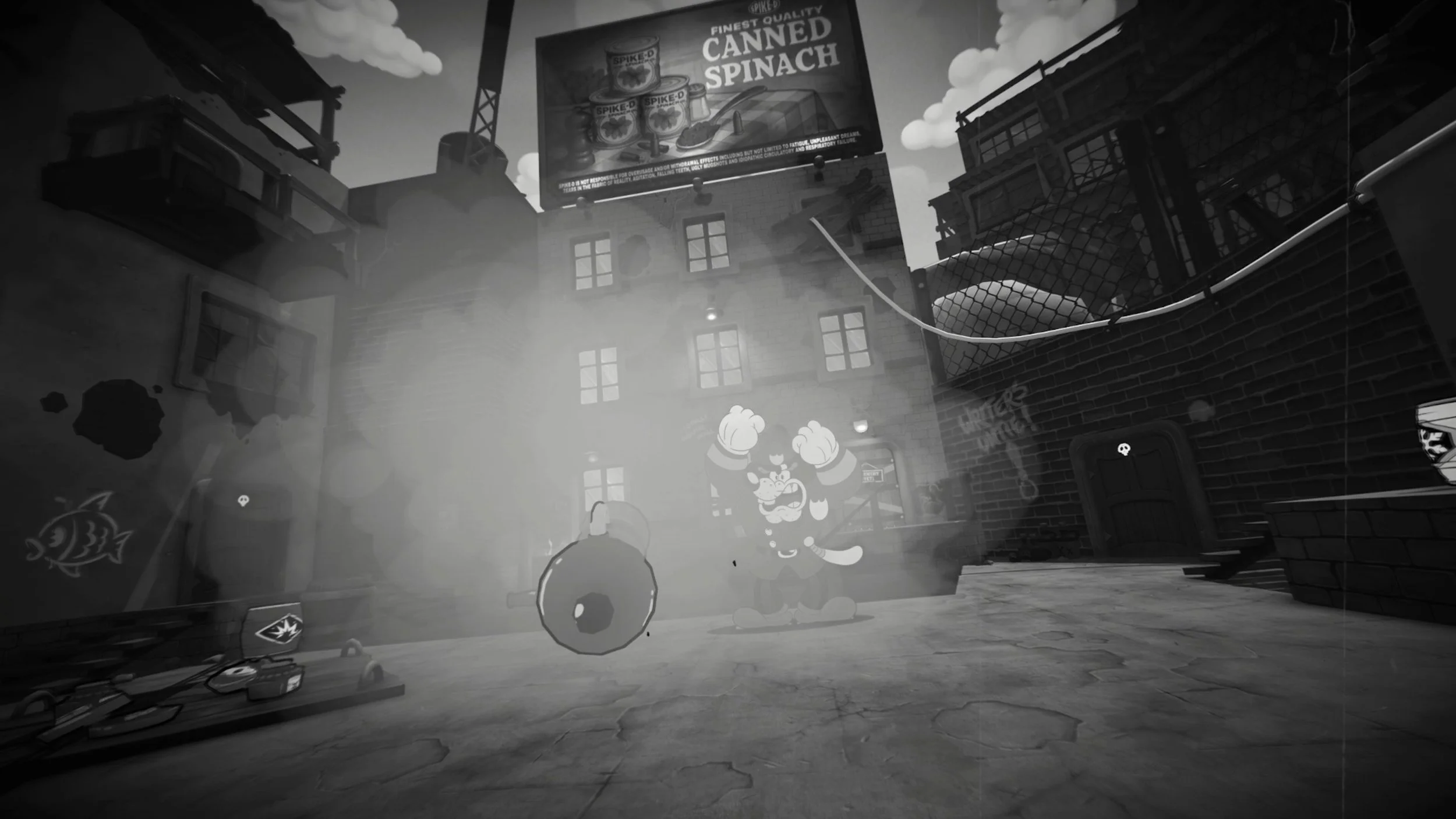
Bandel’s Lab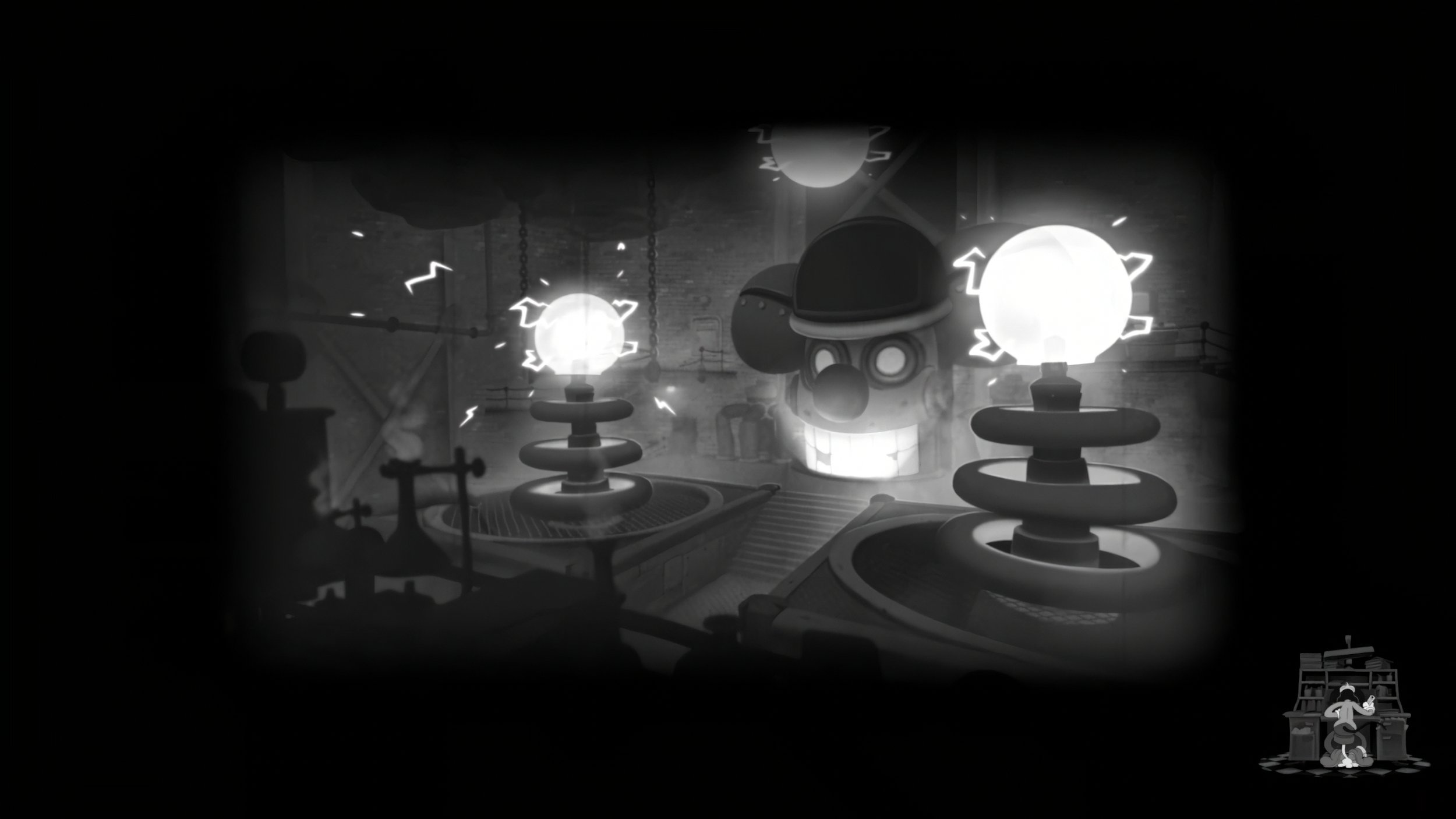
MiceGuffin Macleod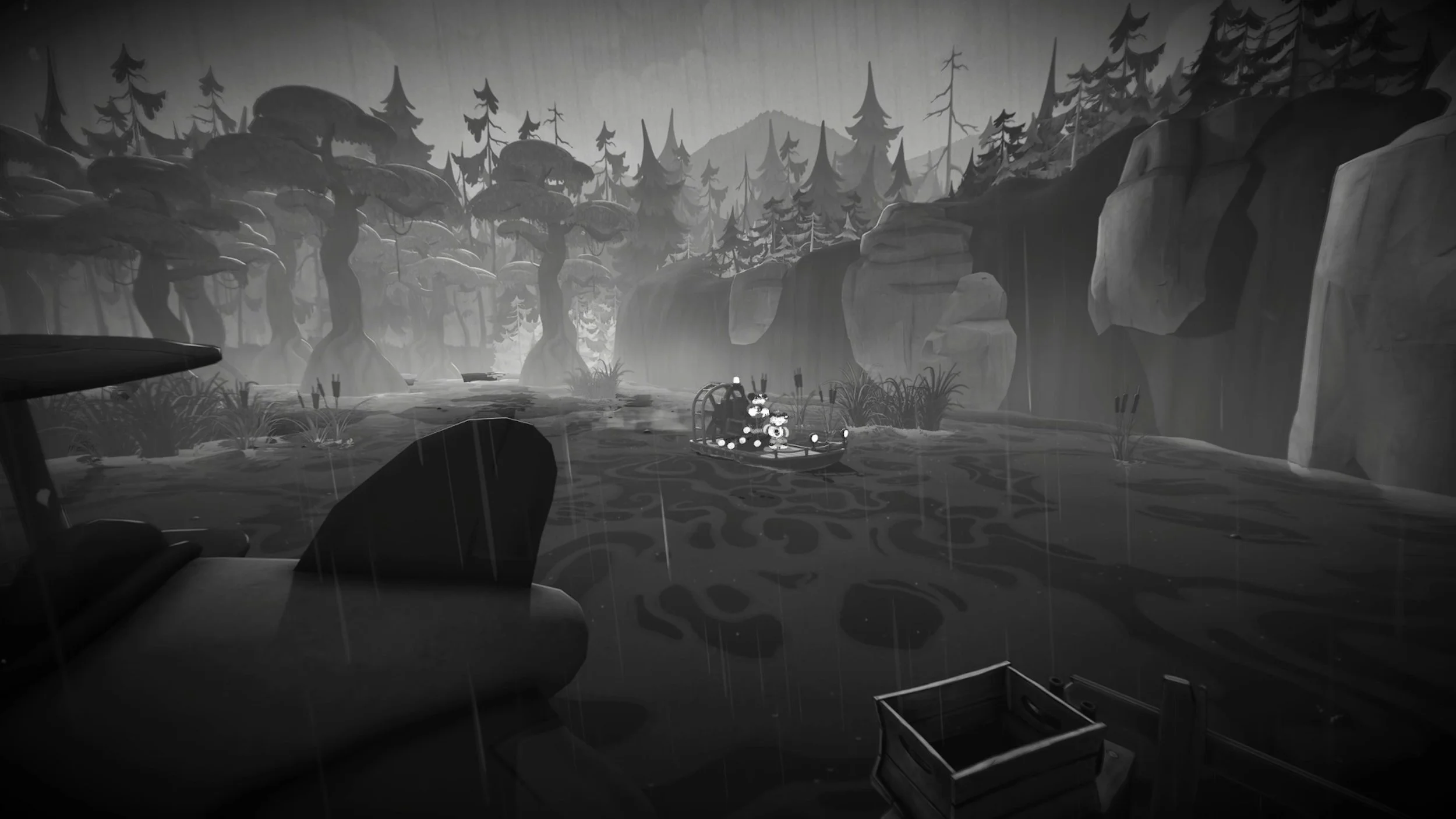

Level Design
I evolved 3 levels from initial greybox layouts into fully arted, playable end-to-end experiences. Intentionally improving player traversal, level guidance, structure & geometry, sequencing, spectacle, combat and encounters. Level designers continued elevating these levels while I moved on to focus on bosses. Additionally, I continued to support and guide 2 level designers on their collective 6+ levels over the duration of the project.
Clergy RowCharacter Controller & Abilities
Robo-Betty 3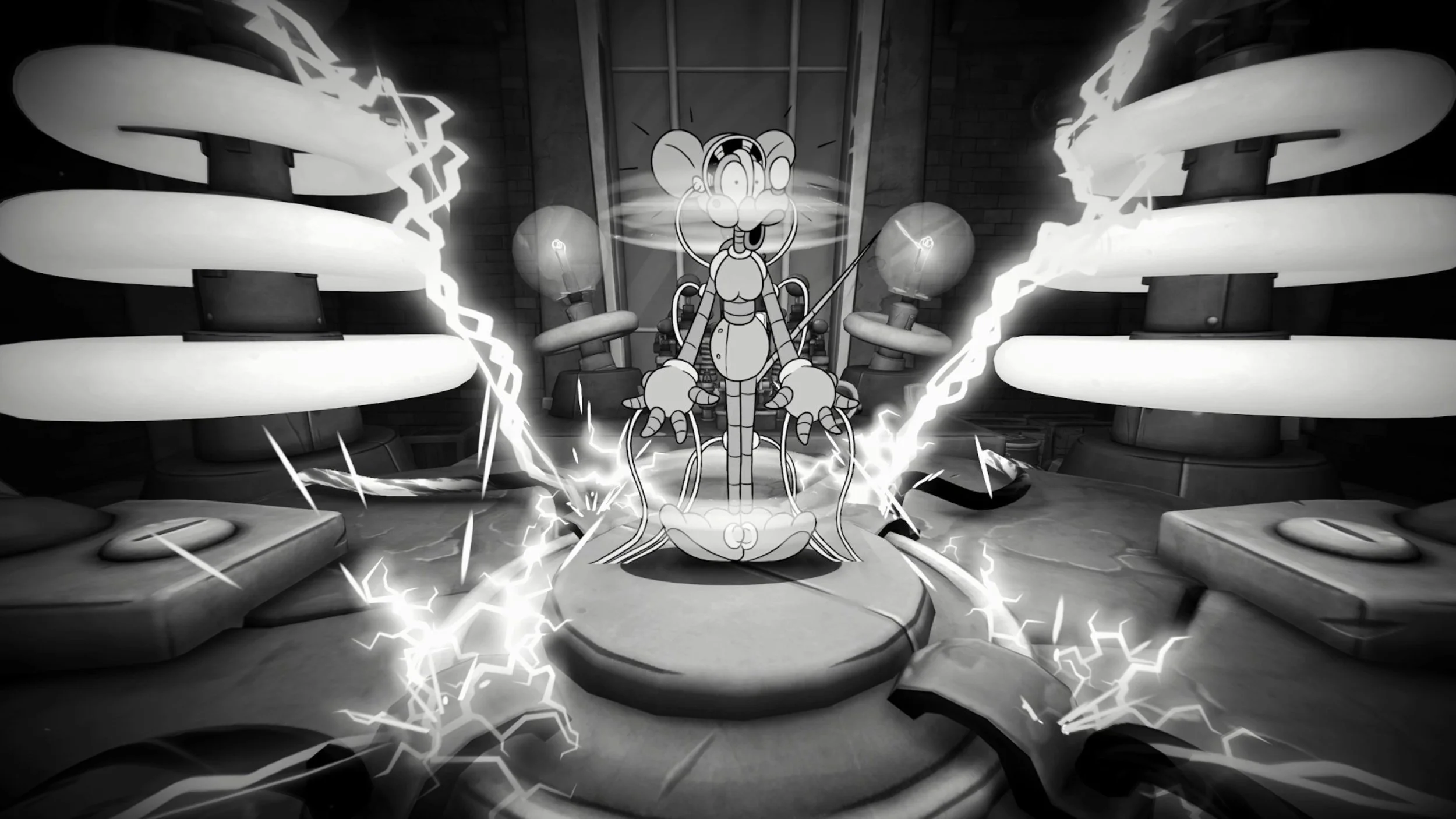
Cpt. Simms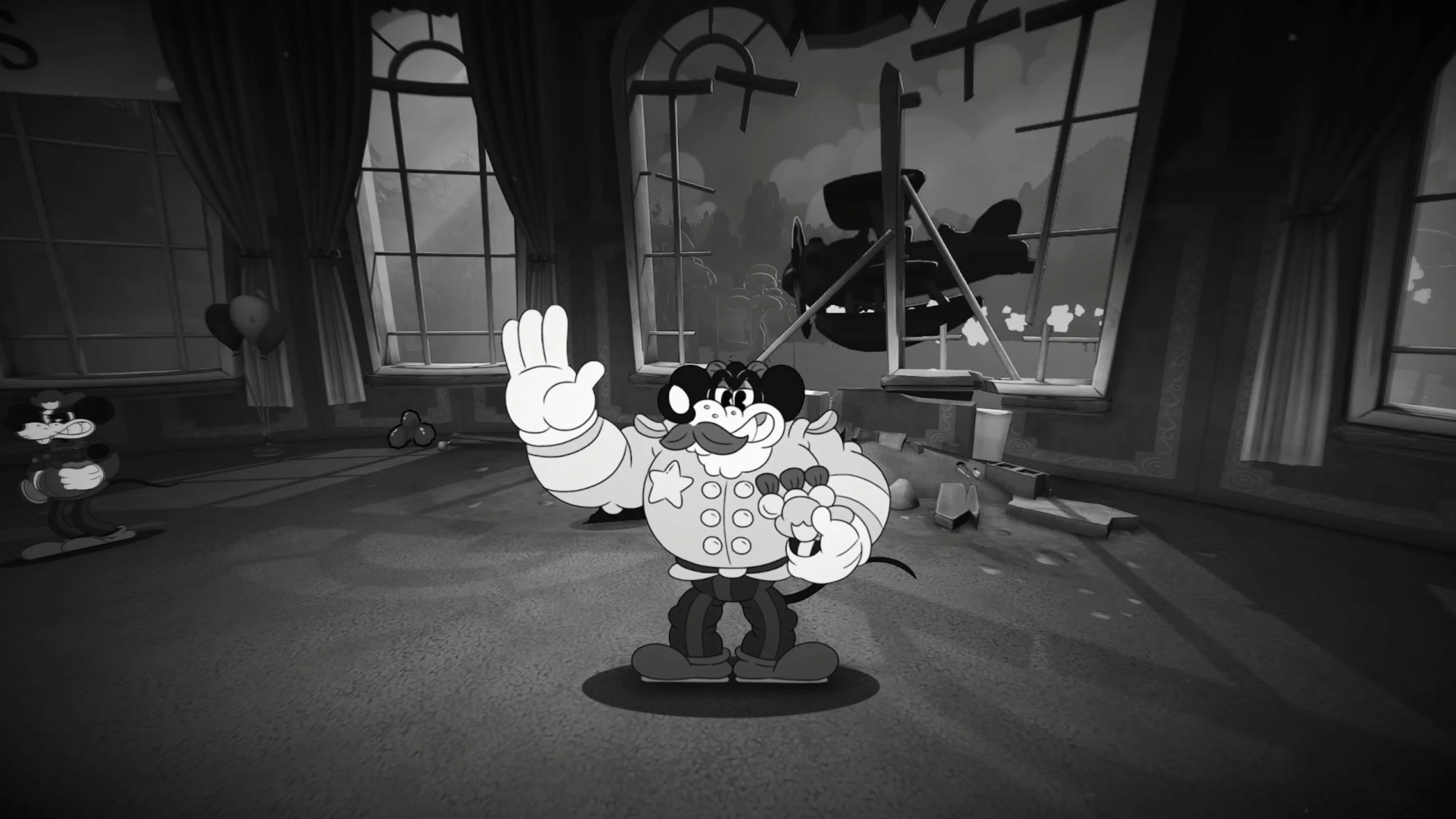
Videos from a player: Ben-Gun | Thumbnails From In-GameLed an internal team of:
+1 - Game Designer
x3 - Programmers
x2 - Producer
x1 - Audio Designers
x1 - Audio Engineer
x2 - Technical & VFX Artists
x2 - 3D Artist
x1 - Quality Assurance
Collaborated with x5 Fumi 2D / 3D subject matter experts.
Including CEO & Lead 2D Animator/Artist.
Boss animation requests & implementation.
Collaborated with Fumi’s lead Narrative Designer.
Third Ex-Wife MMP Plan Example - MiroWIP Section
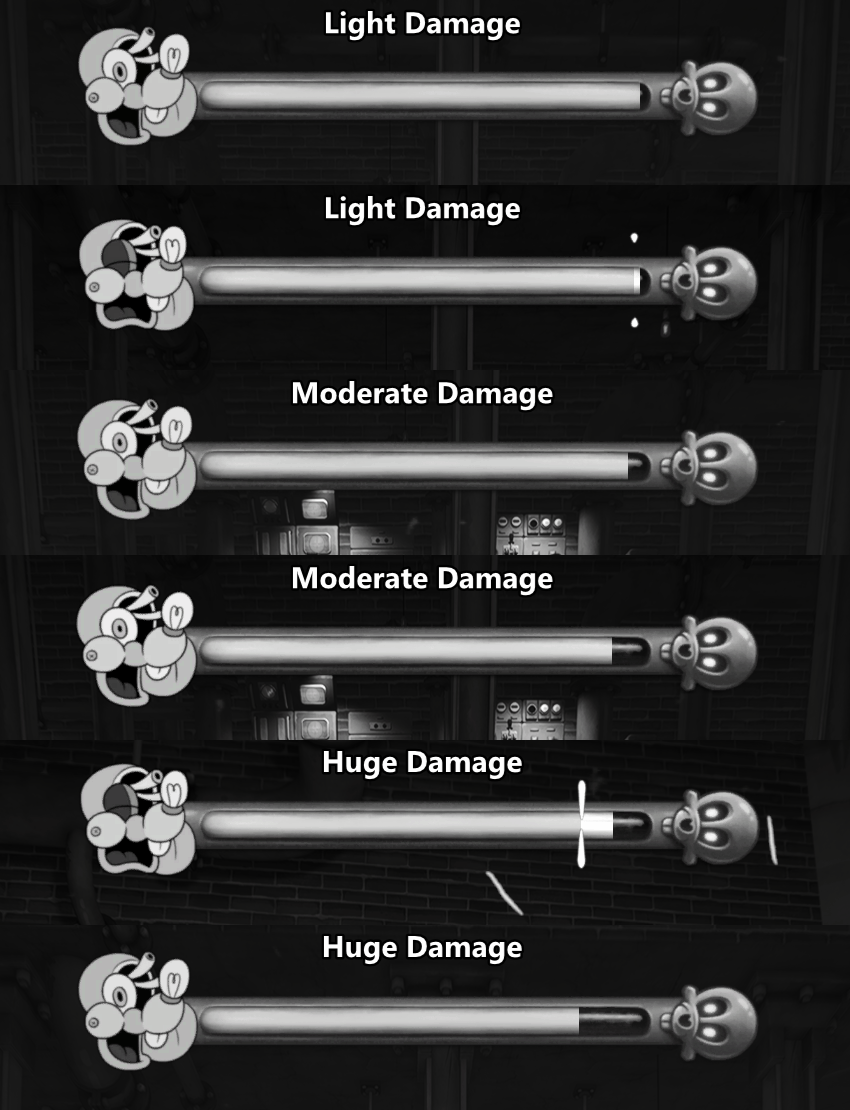
Boss Health Bar Visual Feedback (Chips, Decay, Shake, Portrait Animations).
Third Ex-Wife Boss Intro & Storyboard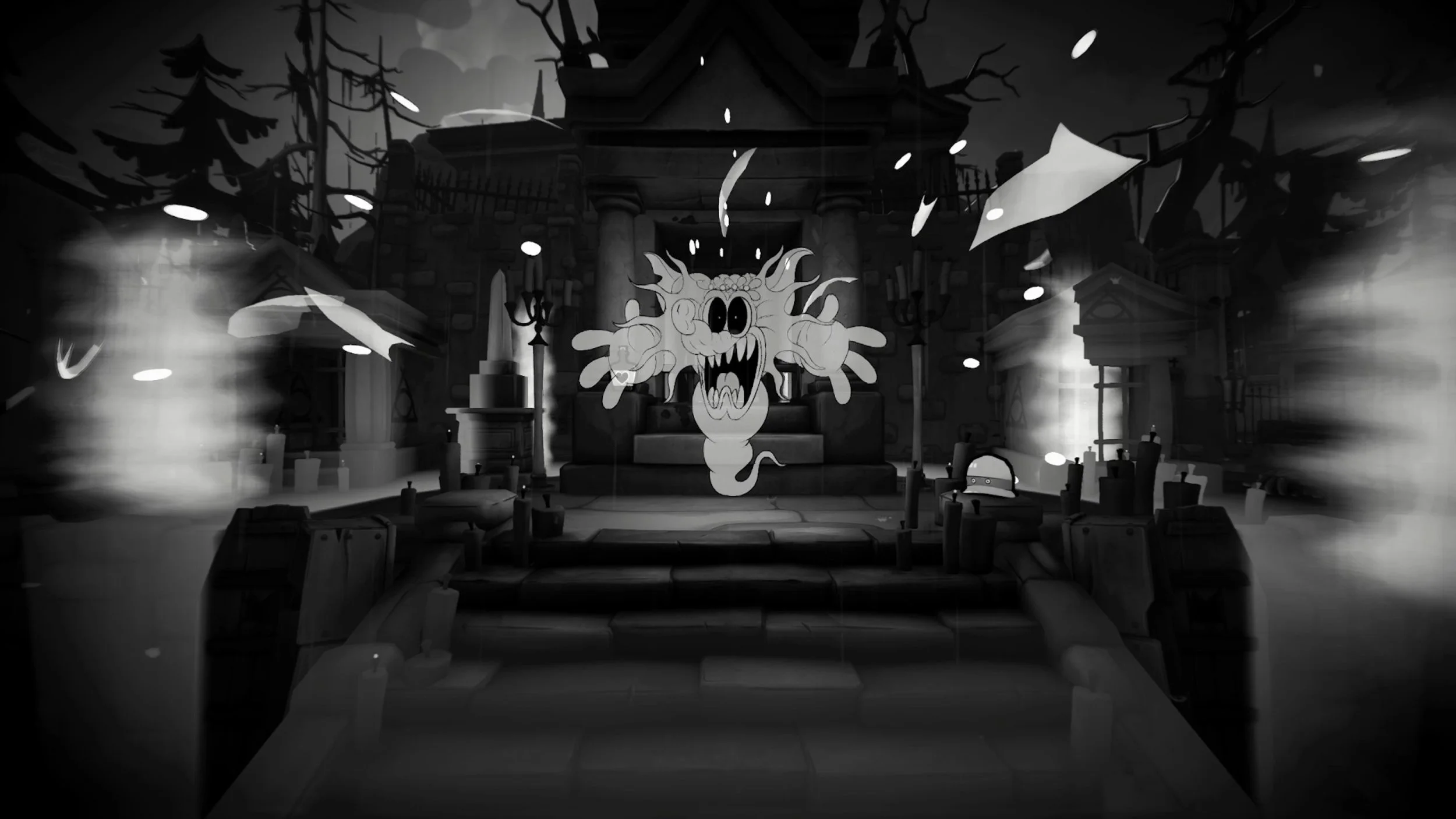

Robo Betty 1 Boss Intro & Storyboard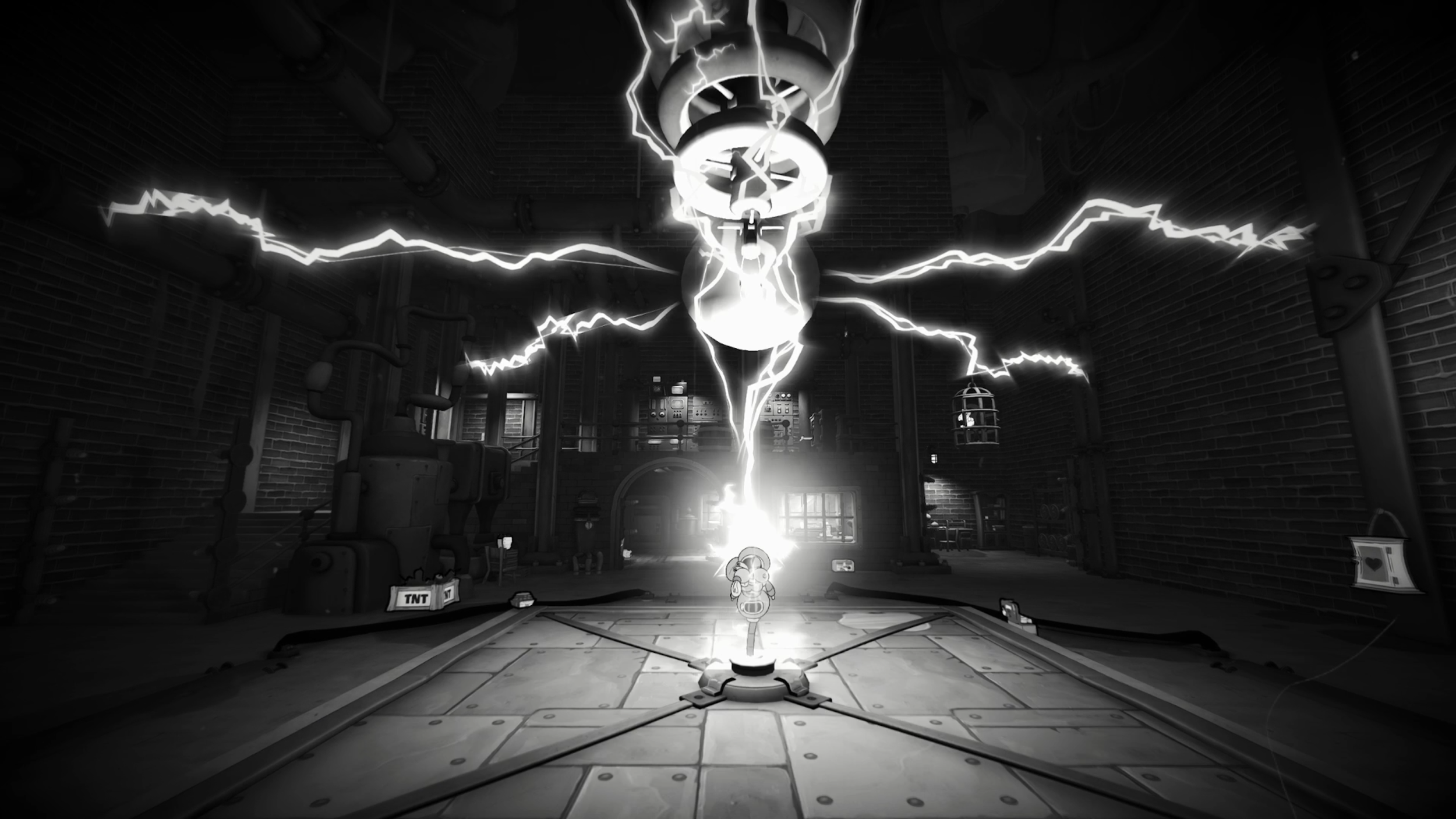
Designed & directed 12 Boss encounters from end-to-end dev cycle.
Built, owned and maintained 8 boss encounters over dev cycle.
Prototyped, scoped & directed 12 Boss intro cinematics + VO.
Boss mechanics, combat, phases & abilities, game feel & doco.
Arena design to facilitate and support boss & player mechanics.
Level design and sequencing of lead-up & wrap-up of boss fights.
Behaviour Tree setup & maintenance.
Consumables placement & respawn setup.
Checkpoint setup & maintenance.
Minimum loadout config (Grant ammo if starting/dying to a boss).
Dialogue/Script engine imports & maintenance.
Boss ‘MMP’ Planning Showcase - Example

-
Bosses went through 4 stages of creation:
Paper Design = Design Spec & Feature Document
MVP = Minimum Viable Product | Proof of concept, built to spec, minor problem solving & iteration, showcases design intent and has potential.
MMP = Minimum Marketable Product | Each discipline works on it, quality at a level to market or ship if needed. The bulk of the work.
Polished = All of the balancing, iteration, visual & sonic touches that FEEL like a labour of love. (We didn’t always get here!)
12 Bosses had to be designed and built to shippable quality in roughly 1 year.
-
There wasn’t enough time or resources for me to do all of the in engine building & sequencing - AND - direct a team of 13 people. Being the vision holder, mini-director & in-engine glue was a HUGE amount of work. After building the first two bosses - I had hard evidence that Design was the bottleneck to information & clear outcomes. To provide clear direction for all others, the design and in-engine work had to suffer - or vice versa. I couldn’t just delegate to team members who were already overloaded.
Teammates only retained so much info from the kick-off meetings - humans can only digest so much info at a time. High-level tasks only went so far. People will and do interpret different outcomes from reading design specs. They also might not understand the whollistic vision from start to end - so the devil is in the details!
I needed a way to articulate design intent, give everyone trackable action items with a clear roadmap & outcomes - but without it being a huge time sink. I couldn’t write acceptance criteria for literally thousands of tasks - that would be more than a full time job! We also needed the team to be invested and understand why they were making the things they were - not just executing on a task list.
-
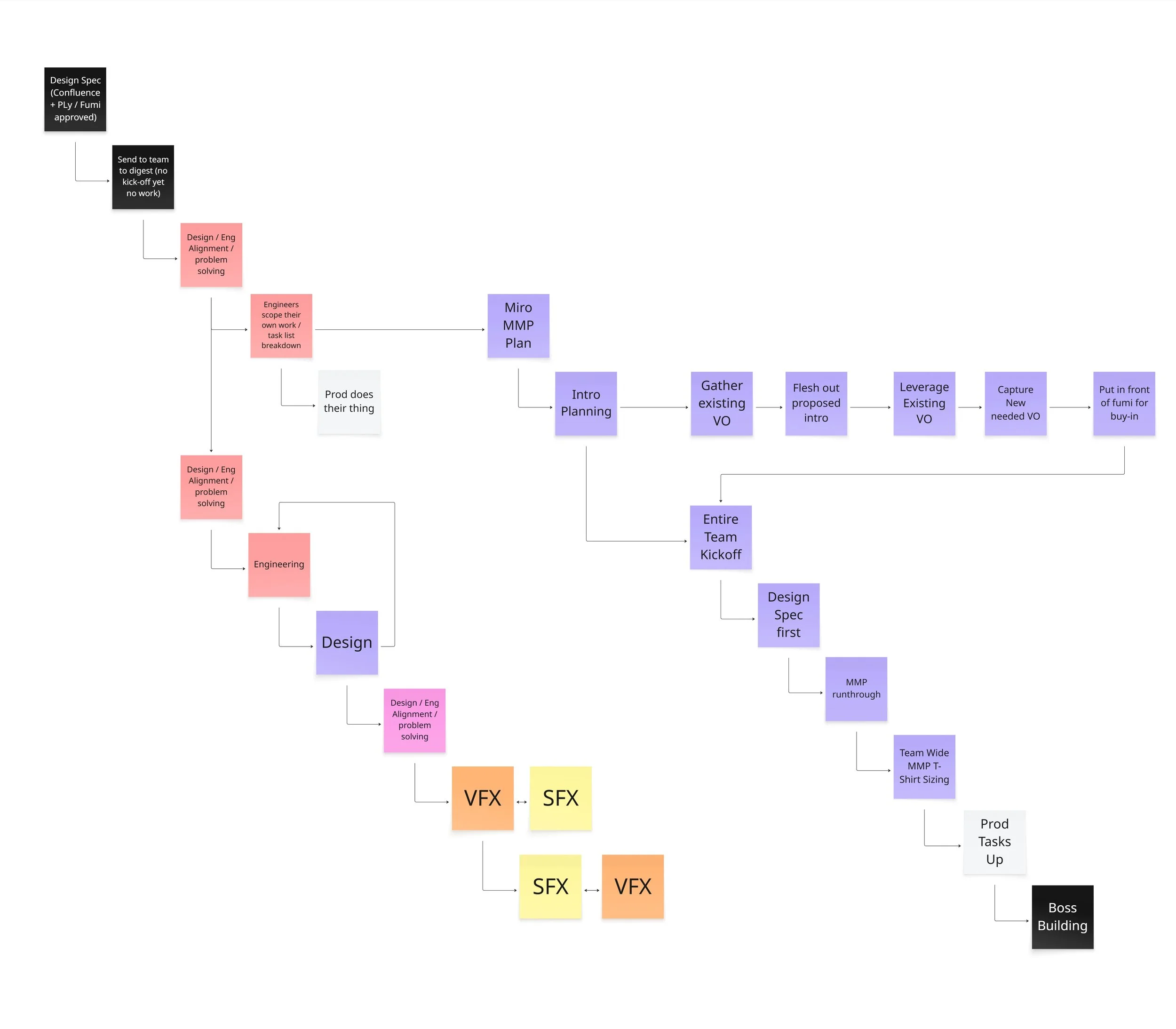
I tried something different - a midway point between paper design & task creation. A visual roadmap & high level task breakdown in Miro.
Coloured Sticky Notes Per Discipline.
This makes it visually easy to pinpoint what’s relevant to your discipline.
List of high-level features / mechanics - with a snippet from the design spec.
This had a touchpoint and quick reminder of what the thing is and does.
Arrow flowcharts that highlighted dependencies.
This created a clear visual hierarchy of execution order or what depended on others.
It helped me as a designer figure out the high level action items for everything required to get this to an MMP standard. It removed almost all of the unknowns - an entire boss fight became quantified! It gave every discipline concrete direction what needed to be done, where it slots in, and what it depends on. They asked questions to fully understand the what’s and why’s - and contributed to EMPOWER the vision, leveraging their skills.
The next boss we created - using this solution had good concrete results! The team understood the vision from start to end, knew exactly what was required of them and where their pieces fit in, they had input and brought their expertise to the table. It freed up design to continue doing design things & in-engine work! The need for clarity and direction almost evaporated and moreso turned into showcasing when it came online. The time we spent providing direction - became time we invested in feedback and iteration.
We had multiple iterations & versions of this process over development. But it became the foundation for scoping appropriately - and building a cohesive vision within the team with absolute buy-in. Ultimately - I strongly feel that this helped us solve unkowns and fit the puzzle pieces together - to ship as much content as we did within the timeframe.
-
Complete Design Spec:
Initial team lookover, understanding & clarifying questions.
Complete MMP Miro Plan:
Assign priorities.
Schedule team-wide kick-off meetings.
Team-Wide MMP Kick-off Meeting:
Validate & answer questions.
Team members can leave comments or further sticky notes with relevant info or criteria.
Collaborate on further dependency chains.
Add time estimates or establish a time-box.
Production automates to Jira.
Define Boss-pod Sprint Goals
Each discipline set criteria that work towards the sprint goals.
Team-wide sprint planning & workload allocation meeting.
Work Begins!
Boss Health Bar Feedback & Game Feel
Videos from playersWrote script for worldbuilding, player guidance and mechanics.
Storyboarded proposed ideas & changes.
Injected in-level cinematics & spectacle moments.
Guided other level designers on theory and technical Implementation.
Collaborated with Fumi level & narrative designers on level intent.
Provided constructive feedback to Fumi level designers.
Pitched flow, sequencing, interaction & spectacle improvements.
Responsible for multiple hands on / hands of demo’s
Initial Summer Games Fest Hands Off Opera Demo.
Hands on Media demo.
Led the quality and player experience.
Championed requirements for visual and sonic polish.
Evolved greybox levels into fully sequenced & playable end-to-end.
Championed flavoured gameplay moments & spectacle.
Interactable object setup & logic sequencing.
Encounter design & combat pacing.
Consumables, checkpoints & save point placement.
Structural, flow, framing & set dressing improvements.
Lighting to support gameplay.
Occlusion culling & navmesh setup + maintenance.
Level borders & collision passes.
Mitigated sequence breaks & exploits.
Collectibles & Secret area setup.
x9 Safe Placement & Interior configs.
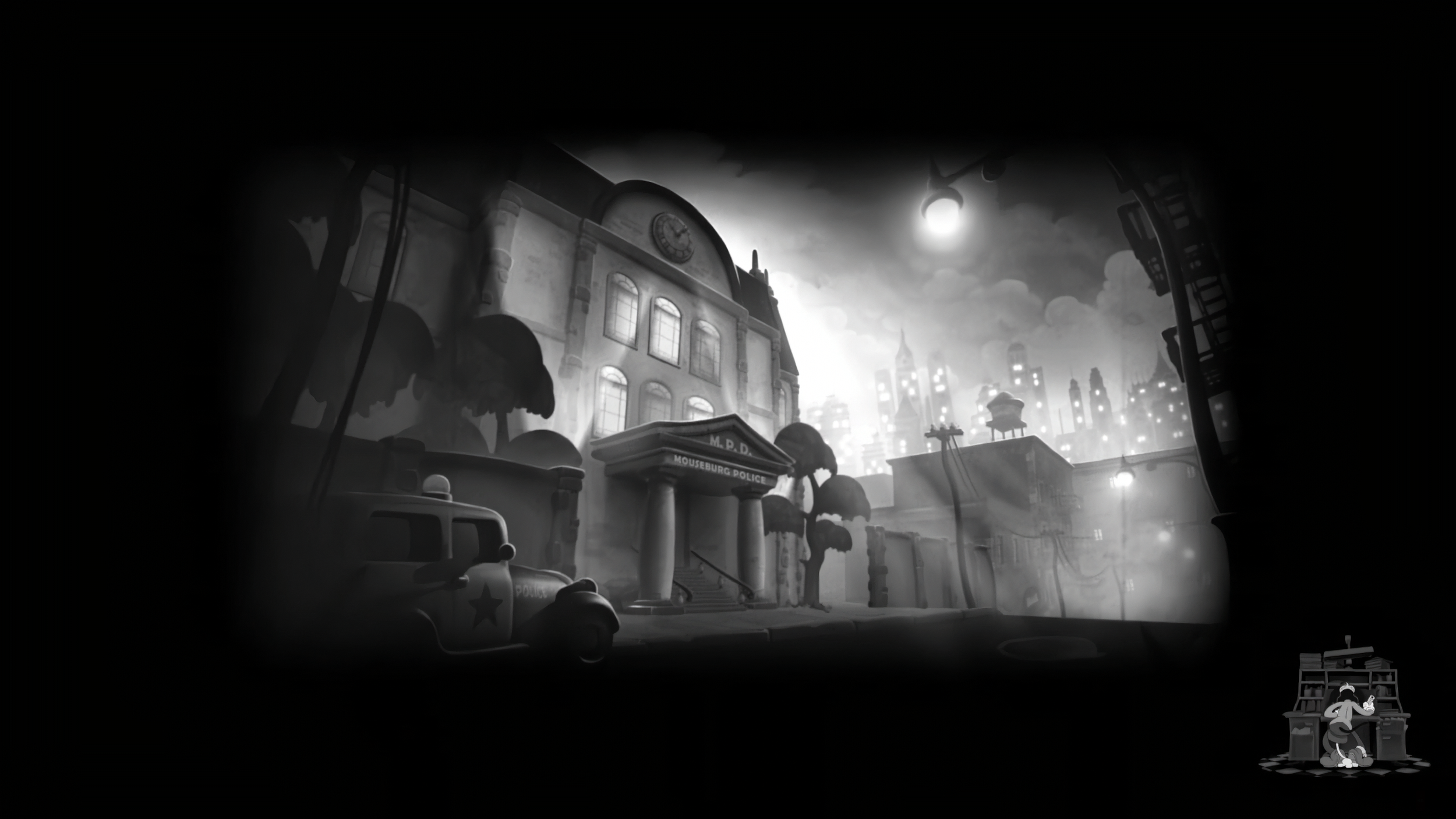
Third Ex-Wife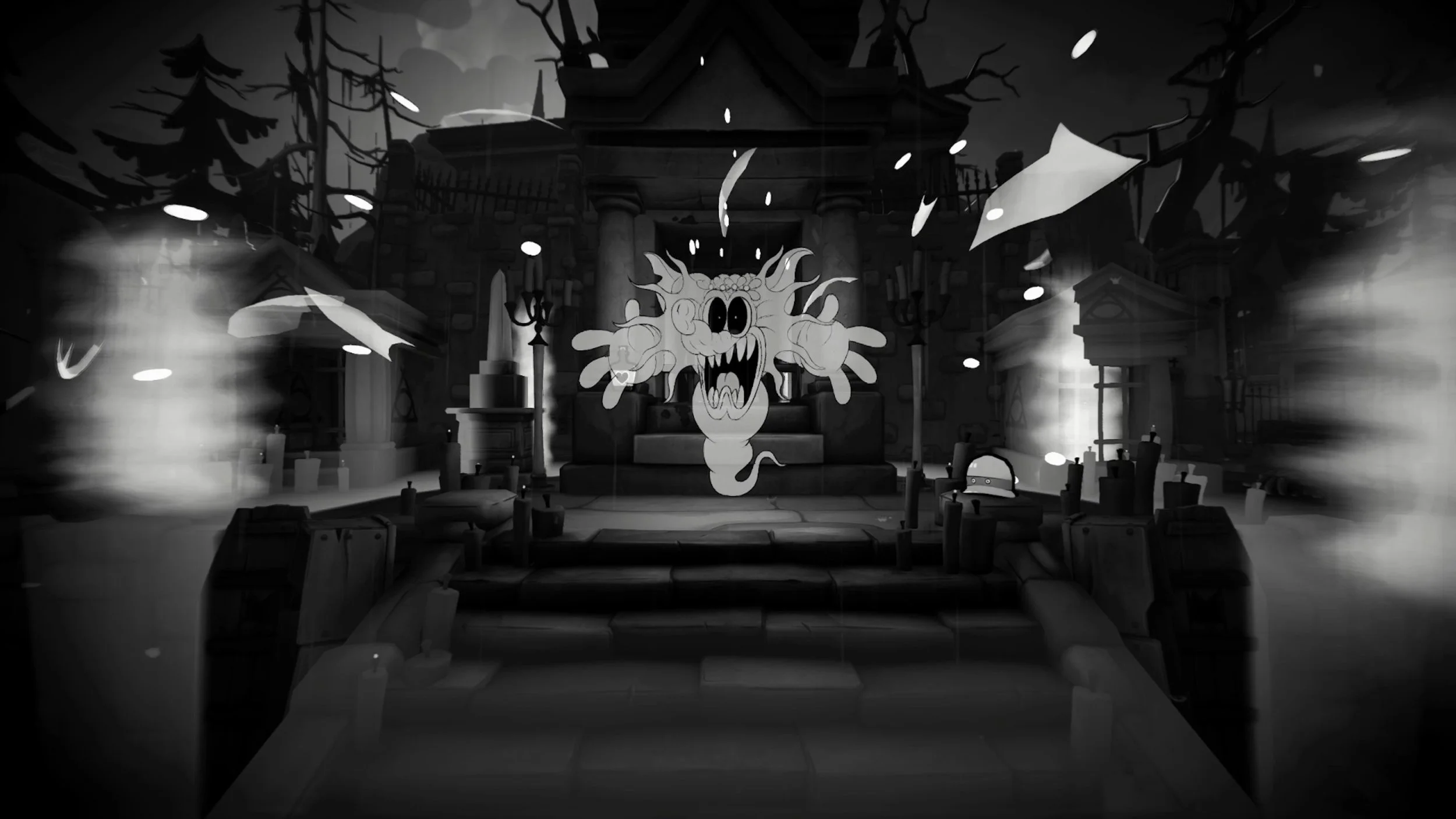
Von Harzer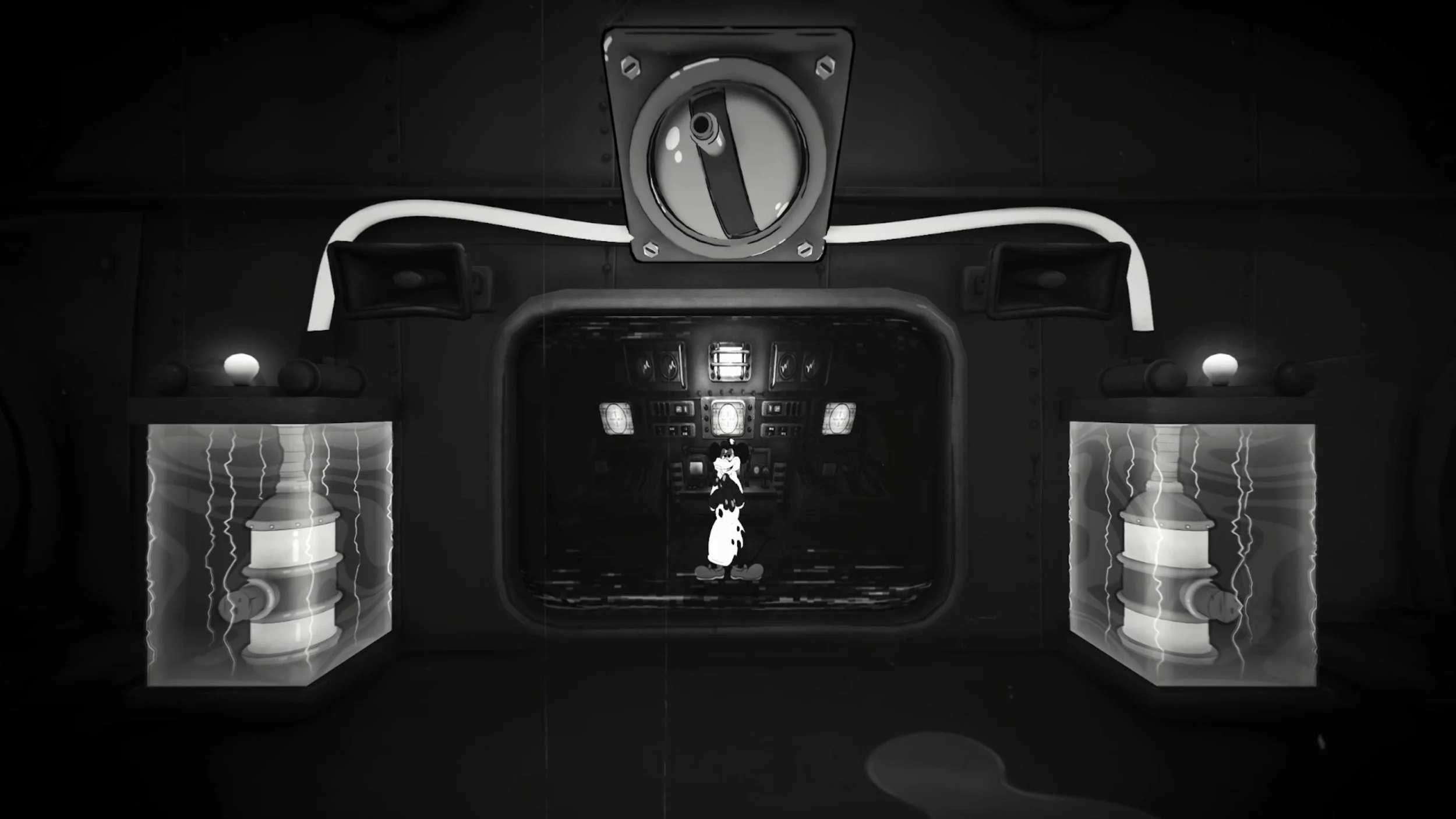
General Boss Responsibilities & Tasks
Curdsville Nuthouse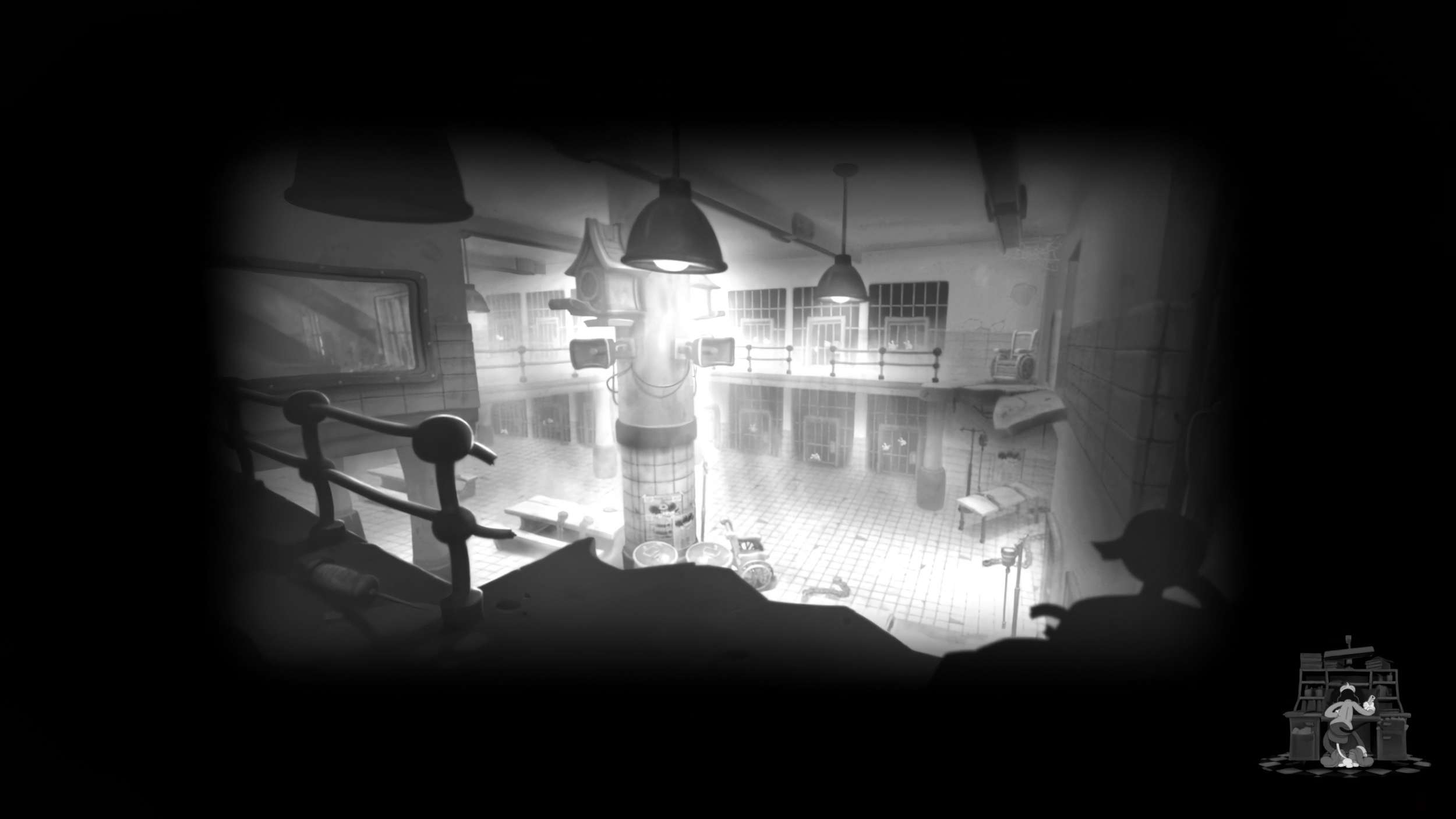
Level Design Responsibilities & Tasks
I spearheaded a small multi-disciplinary team to refactor and uplift the character controller & abilities. Focusing on stability, reducing clunkiness when traversing, and exposing design variables to tune and nail game feel. Ultimately this led to the movement and control feeling like a modern day FPS.
Movement | Jump & Double Jump | Crouching | Sliding | Dashing | Helicopter | Kicking | Grappling Hook | Wall Run | Wall Climb
Dashing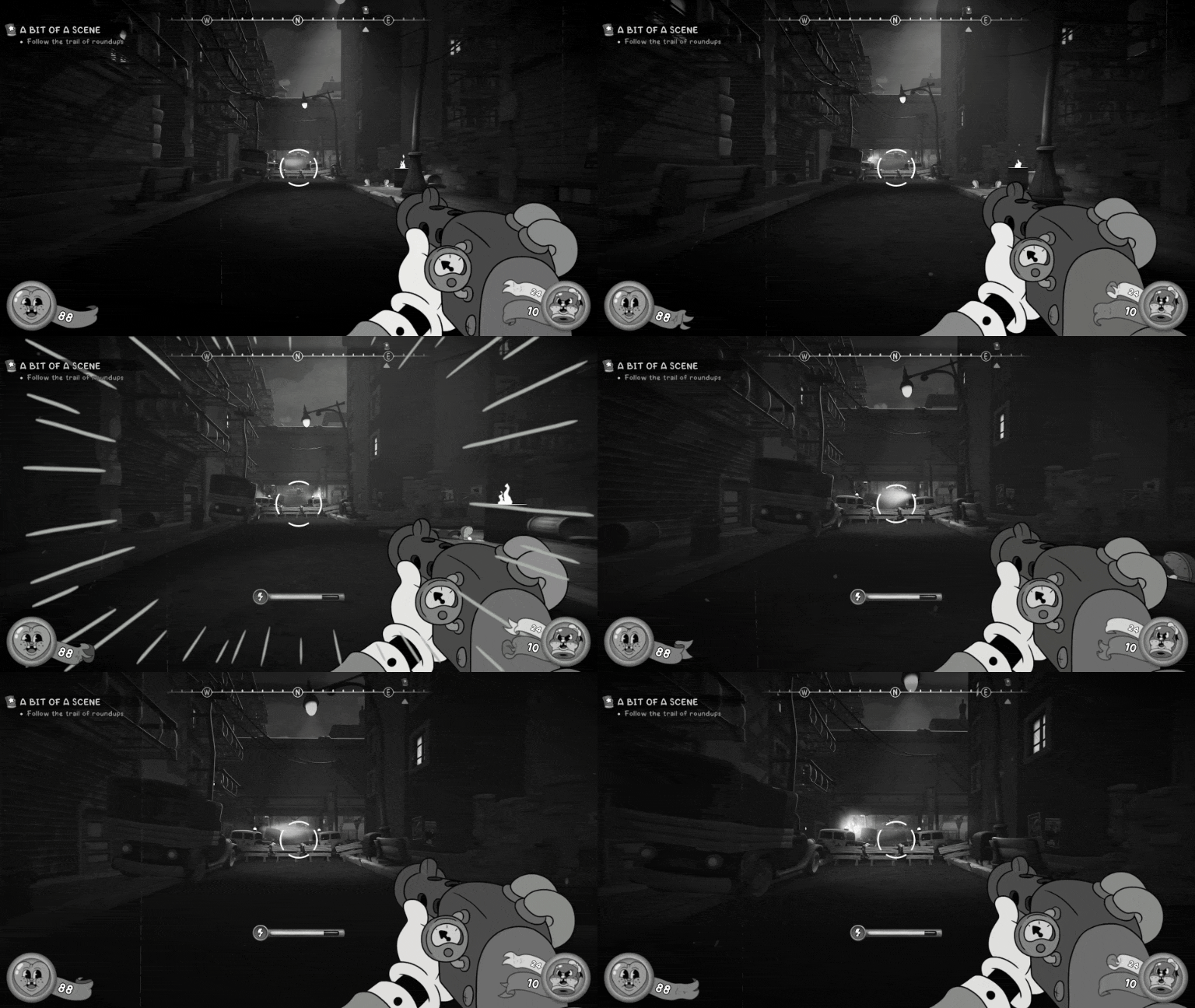
Grappling Hook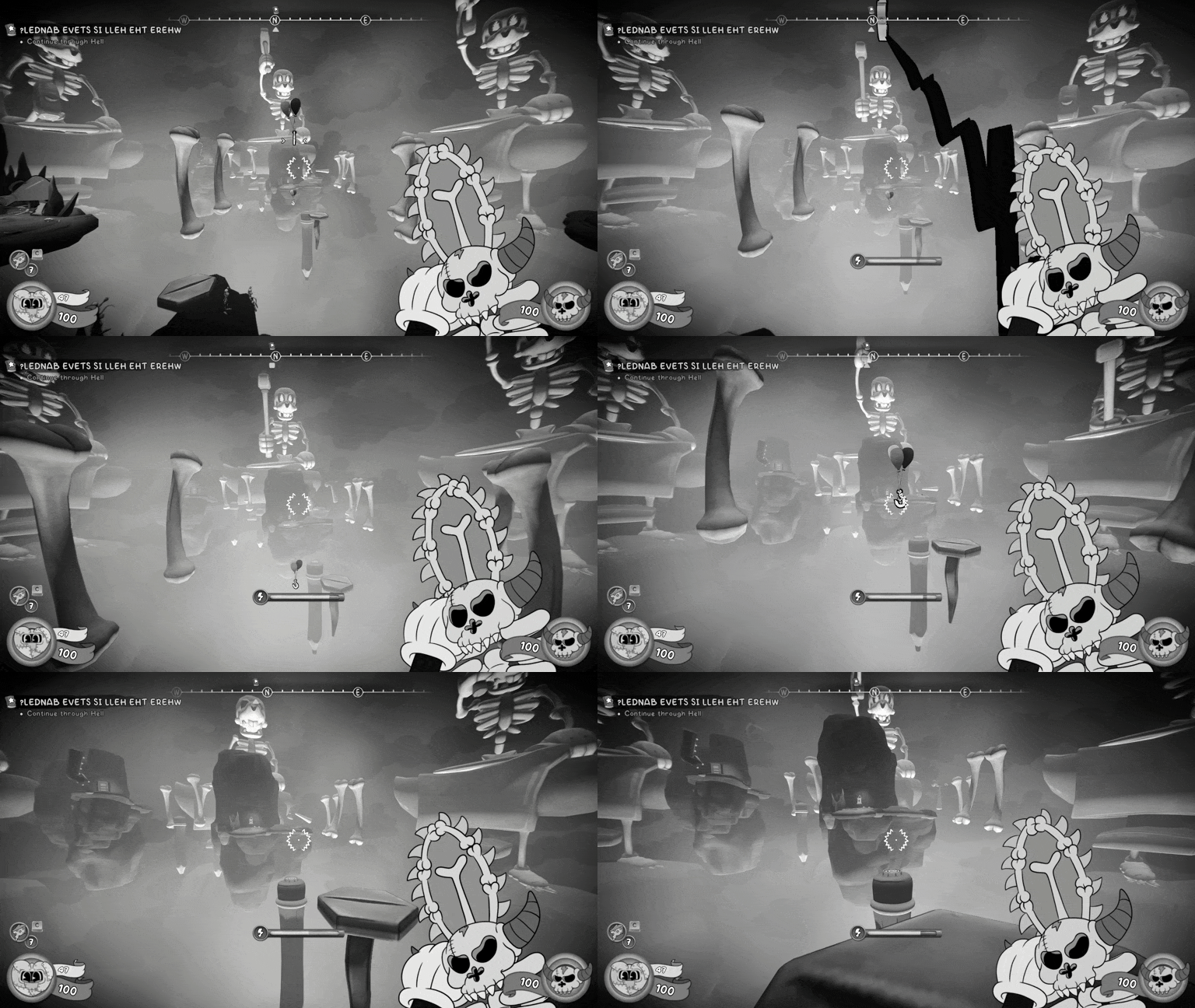
Kick - Enemies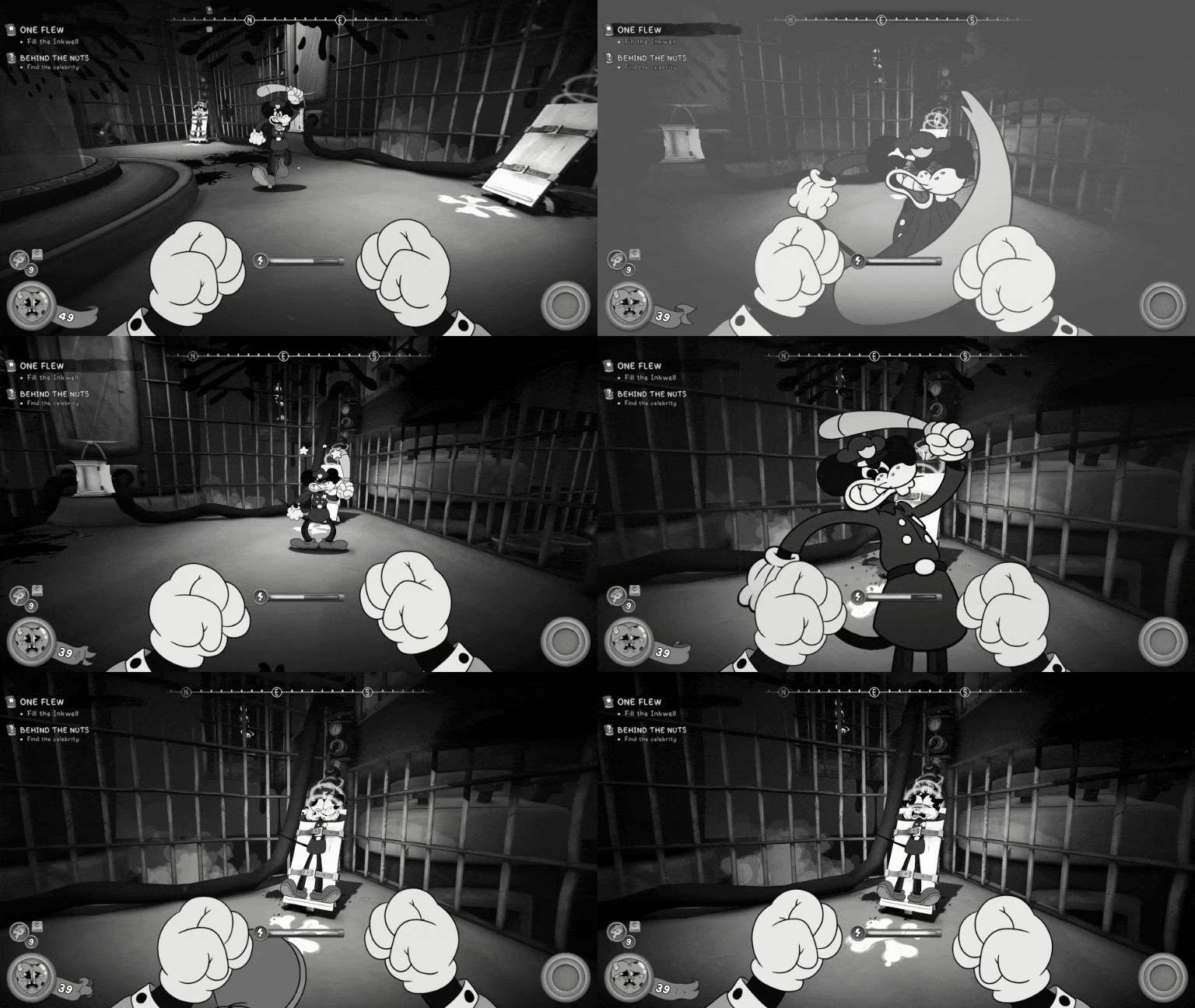
Kick - Barrel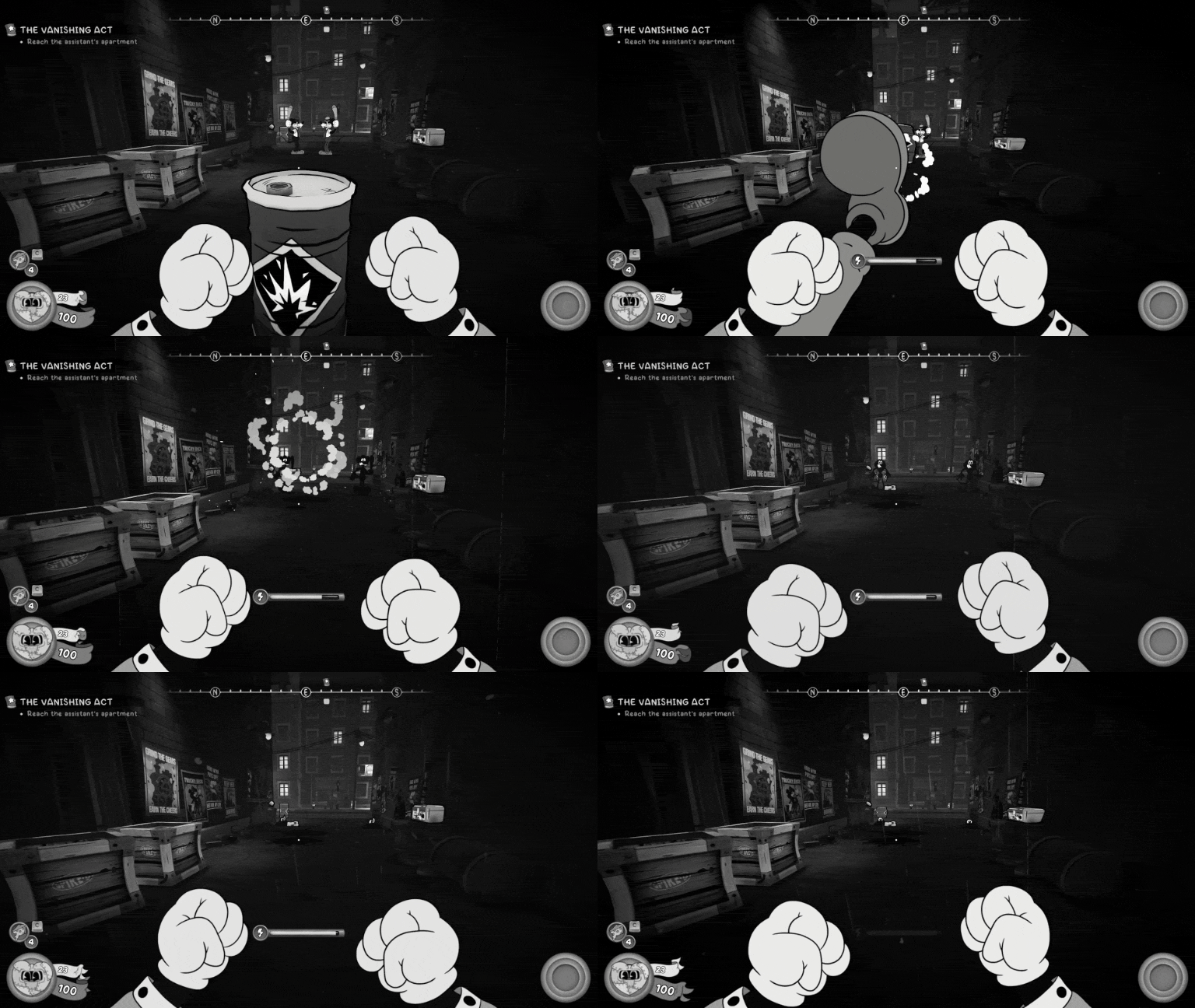
M. Soyer & J. PierogiZe Professor Boss Intro & Storyboard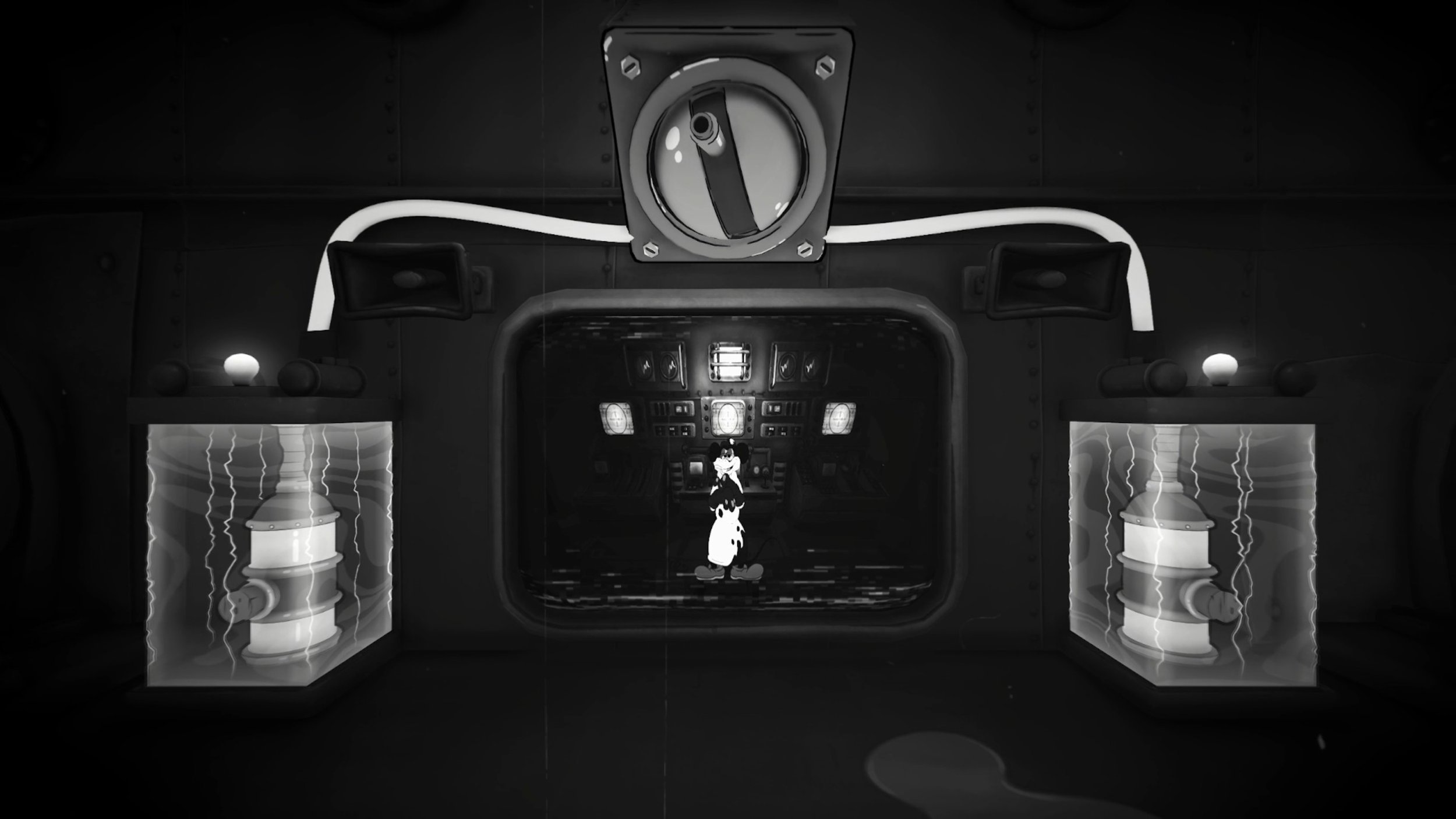

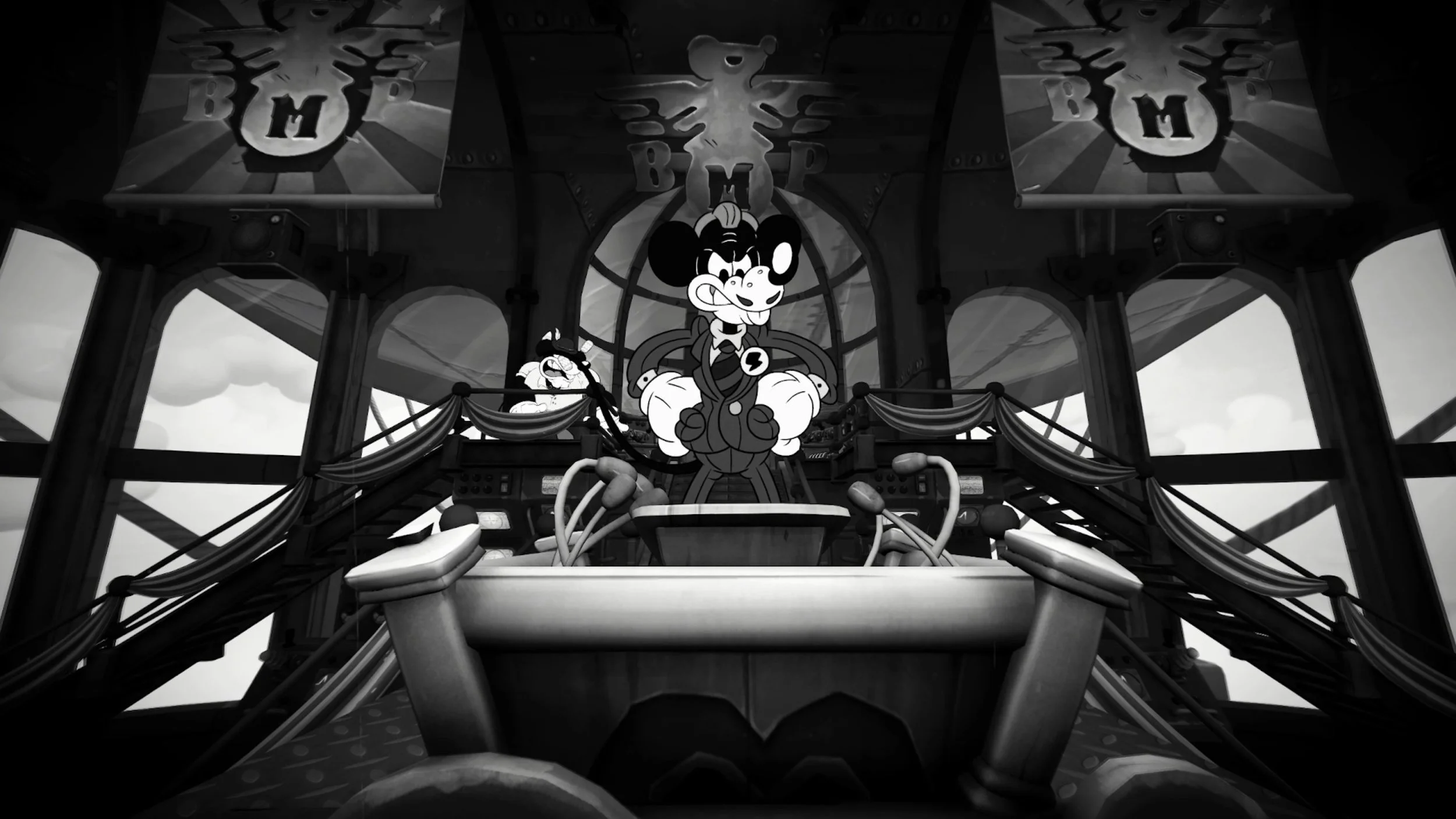
Actively scheduled & facilitated team-wide feature kick-off meetings.
Facilitated and lead Bi-weekly PlaySide / Fumi design syncs.
Showcasing work, presenting problem/solution spaces, providing constructive feedback, scoping, deliverables & stakeholder management.
Analyze playtesting feedback & data from GoTestify.
Prioritize & propose solutions based on playtesting feedback & data.
Sprint planning & sprint goal criteria.
Boss team task & workload allocation + prioritization.
Roadmaps, risk management & milestone definitions.
Boss Storyboard & Outcome Examples
Core Design Responsibilities
Miscellaneous Design Contributions
Level Exit Car Visual Language
Context
In multiple levels across the game, the players’ car is used to exit the current level. Mouse established a design language that anything important that the player can interact with has an outline shader + motion.
Problem
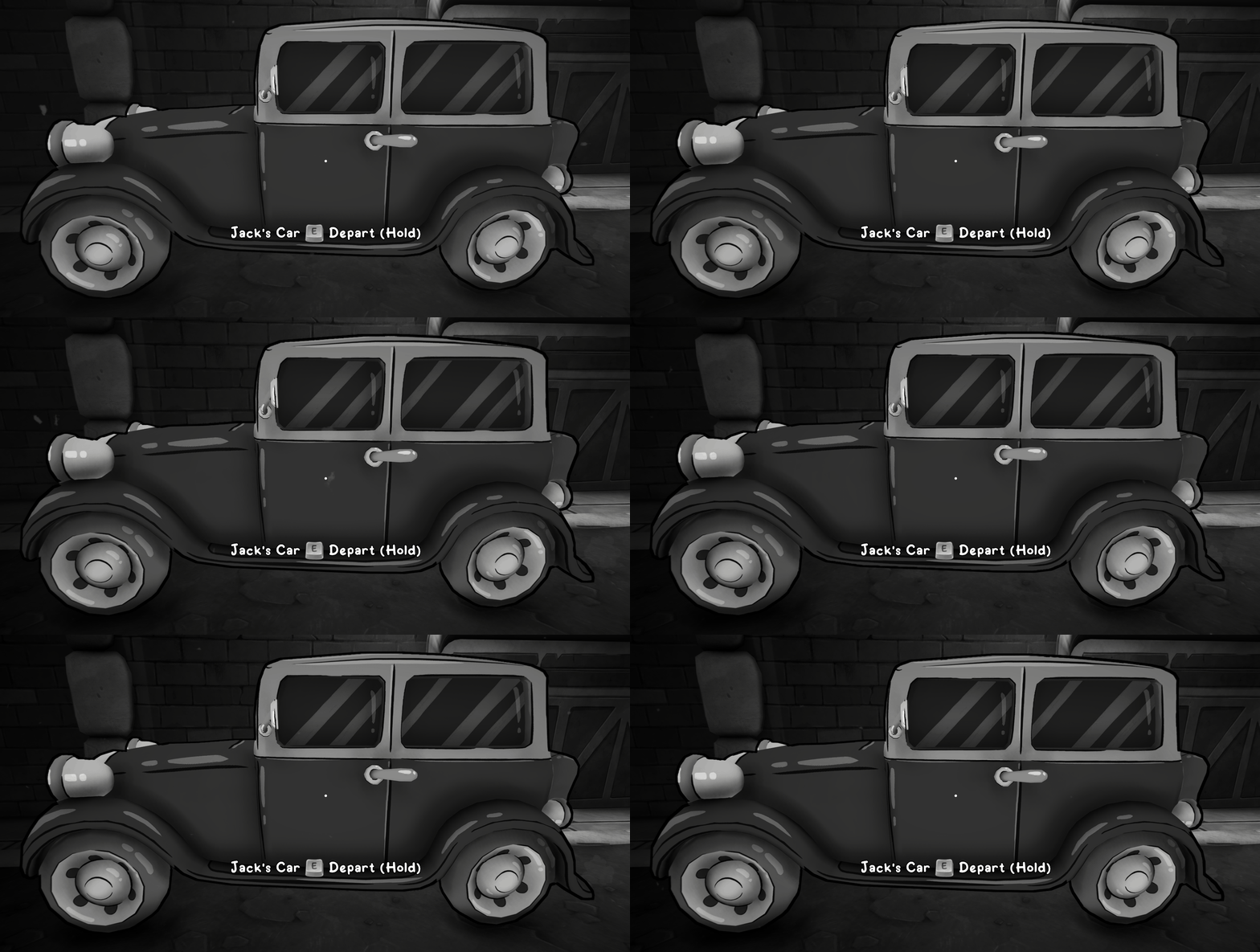
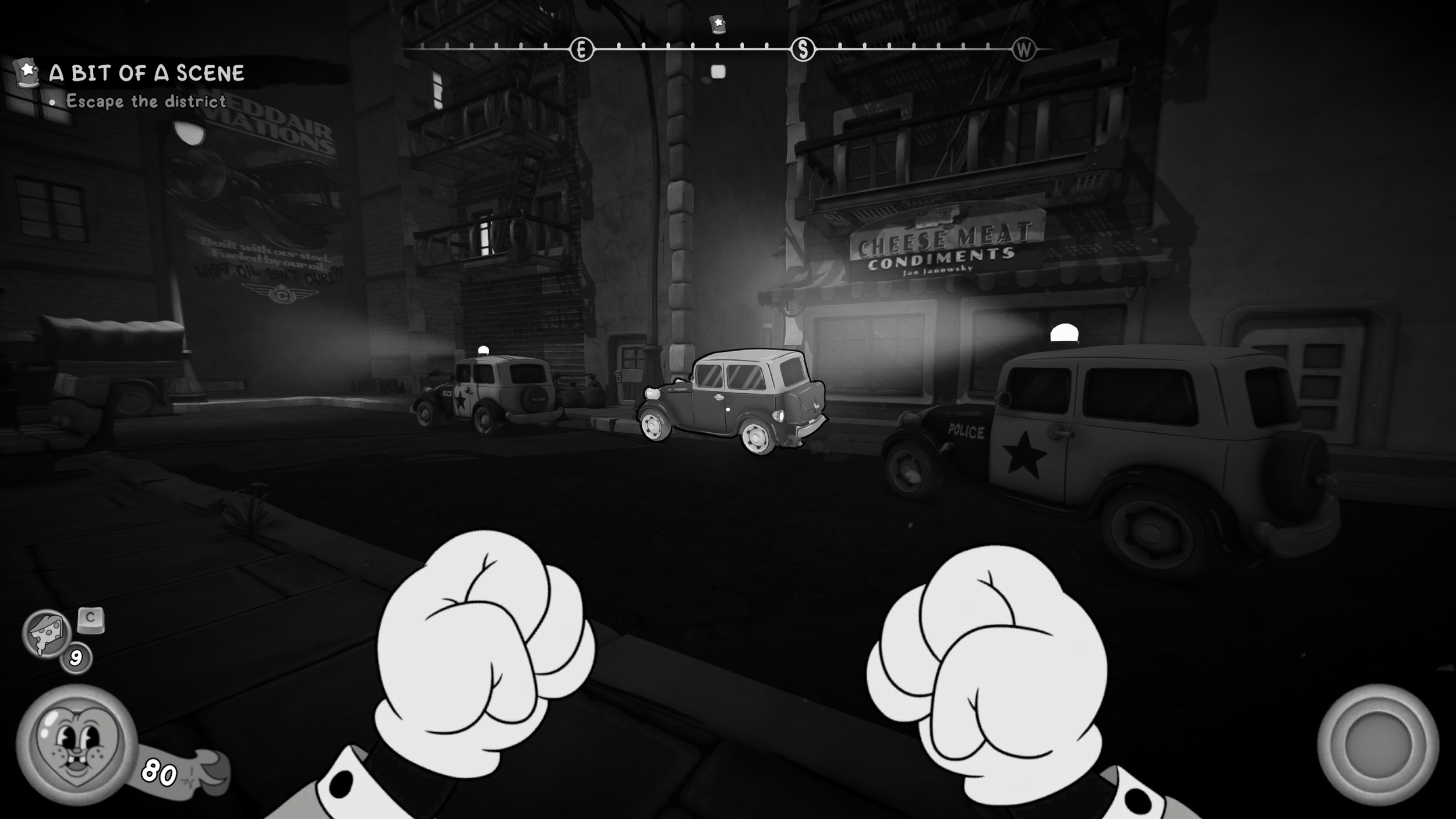
Initially, the players’ car deviated from the established design language. It looked like a static object that blended in with the set dressing.
Only if they stumbled upon the right position and look angle would the prompt show.
Players weren’t identifying this was something they should interact with it - they missed it.
Solution
I championed for Jack’s car to use the established design language - adding texture variants, outline shader, motion and a spatialized audio sfx. Leaning into what players had already been taught - if it looks like this, it’s interactable. This change always made it stand out in the environment and players always felt they could and should always use it.
Game Design Contributions
Safe Visual & Lockpicking UI Update
Context
In each level, there are 3 safes that the player can find and unlock. One of each difficulty:
Easy - Infinite moves, no time limit, causes damage on fail.
Medium - Infinite moves, has a moderate time limit, causes damage on fail.
Hard - Exact move amount, very short time limit, causes damage & locks itself on fail.
Problem 1 - No Distinction Per Difficulty Type
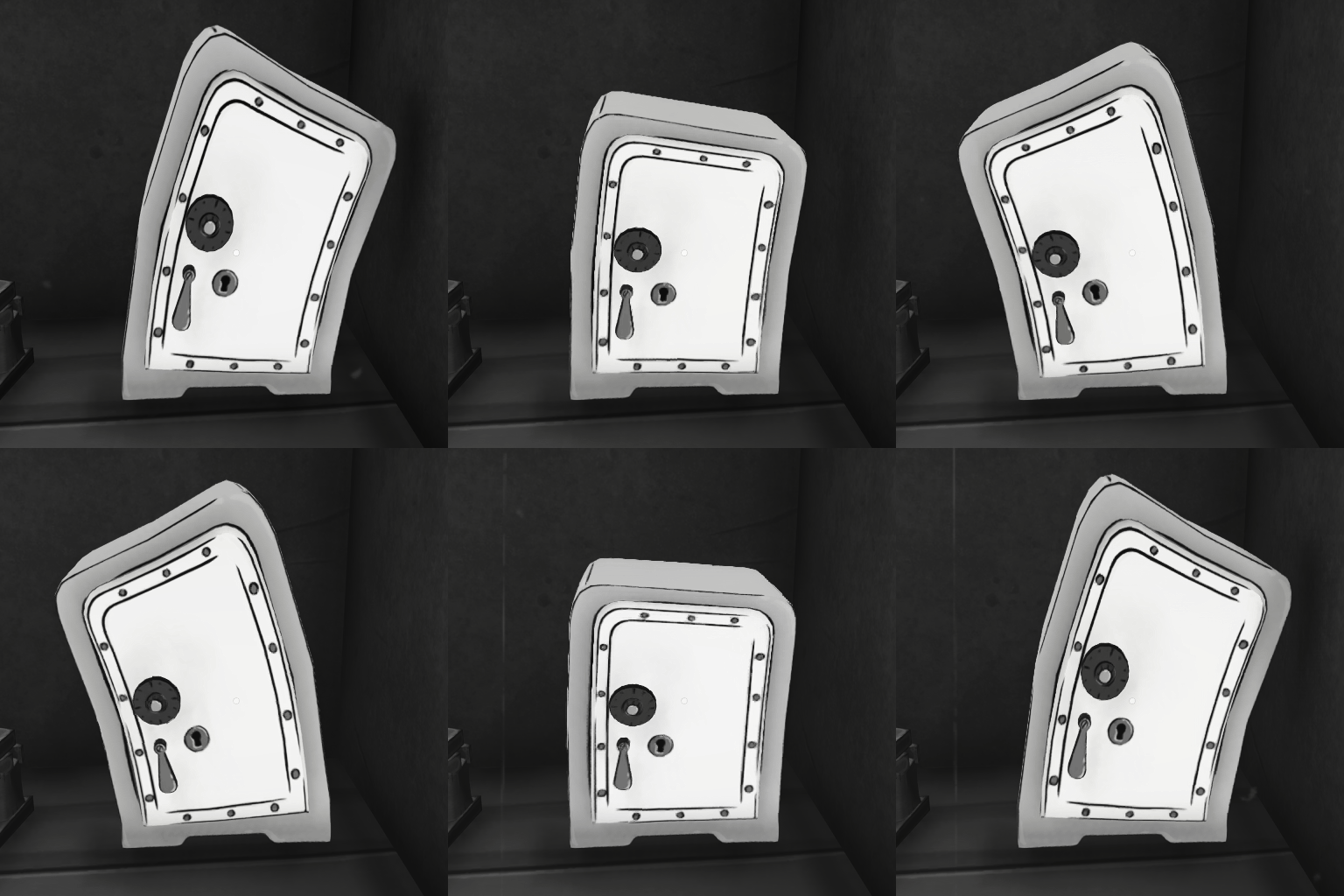
Initially - the exteriors of the safe were all visually identical. Players only found out what difficulty the safe was once they interacted with it.
It was quite punishing for the player to get surprised with move and or time limits.
Solution
I pursued each difficulty of safe to have a unique exterior visual. The darker the safe, the harder it was. This consistently allowed players to know what to expect, before they opened the safe. I.E: Easy = no pressure, Medium = Time pressure, Hard = Time pressure & move limits.
Easy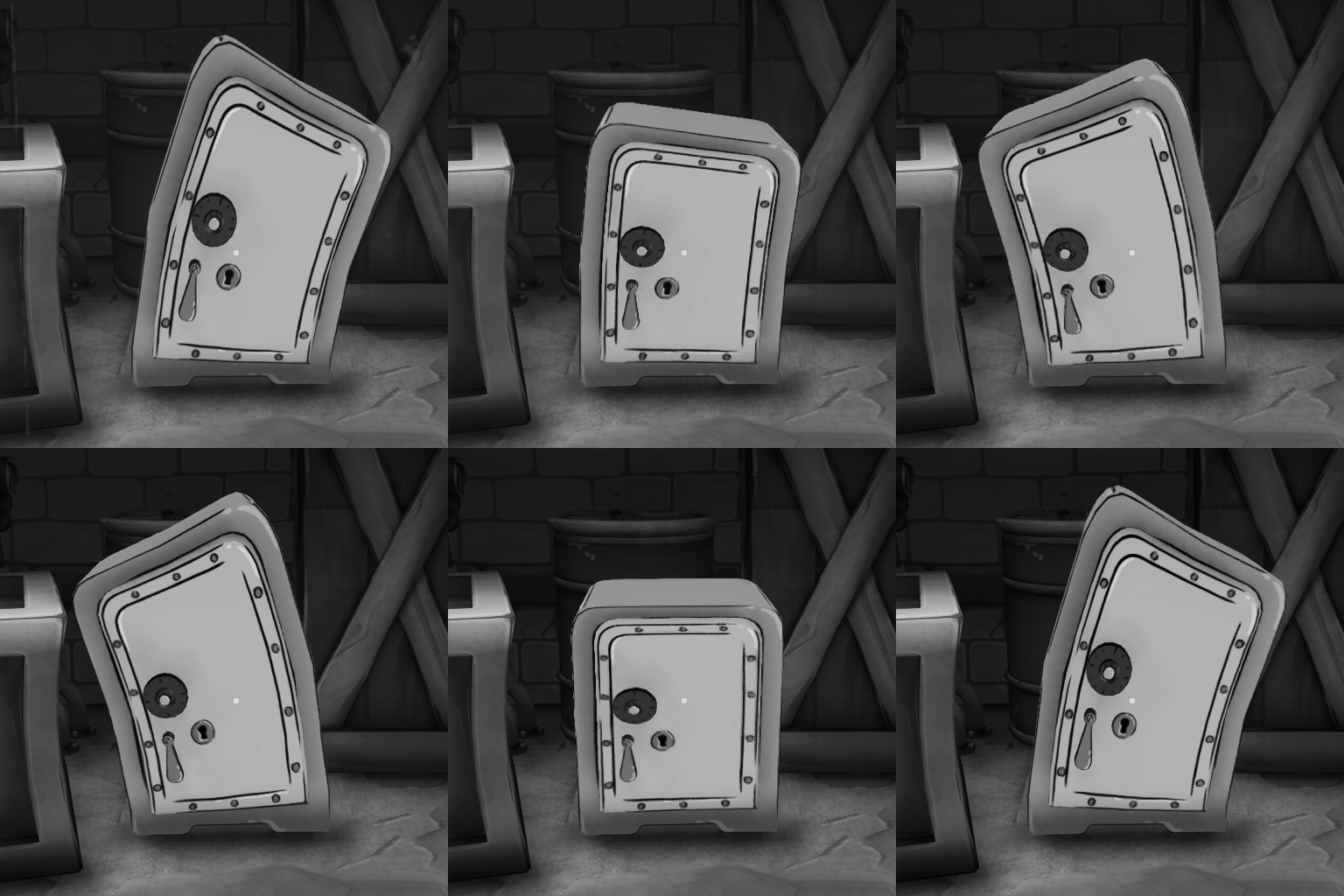
Medium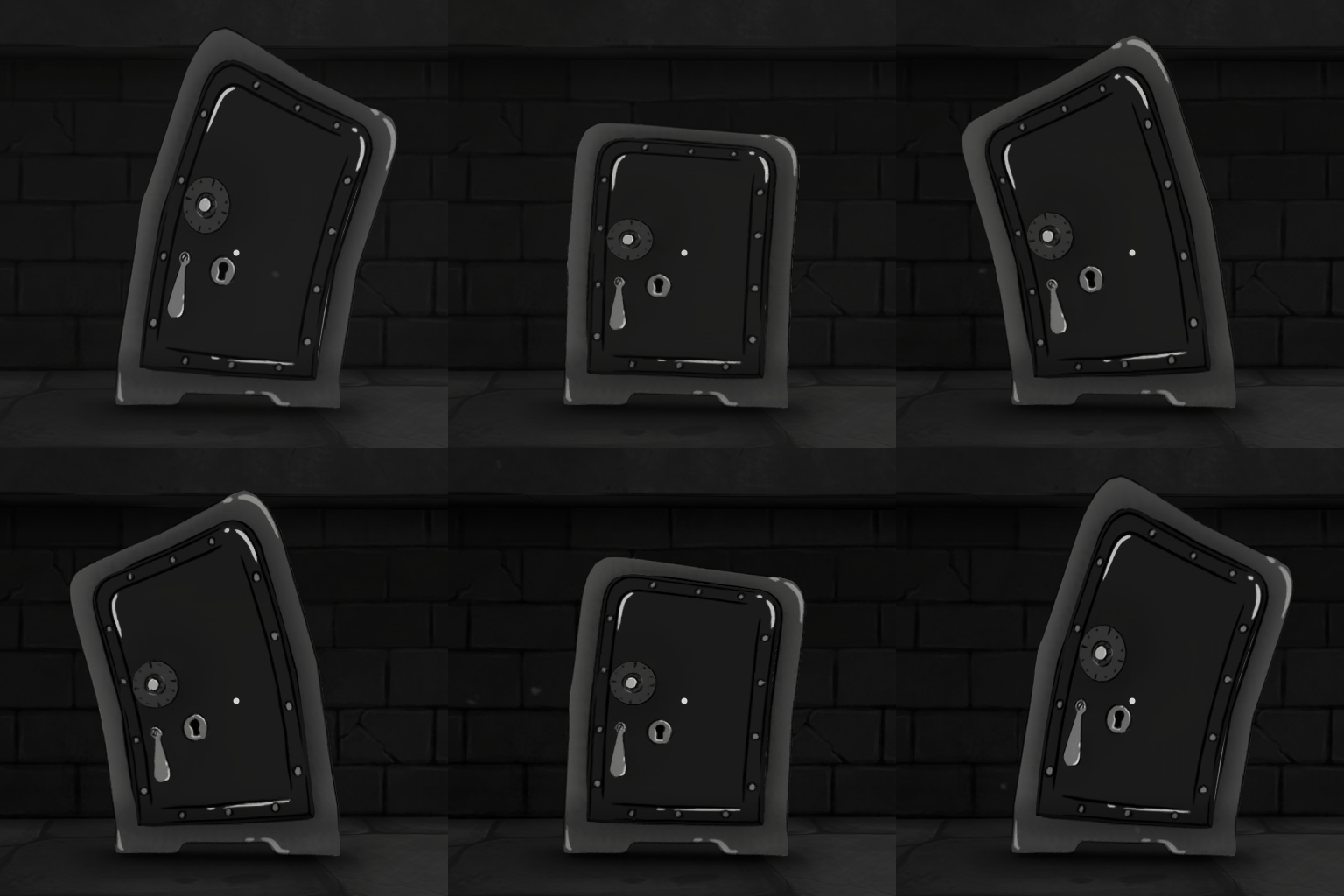
HardProblem 2 - Unnecessary Lockpicking UI
Across all safe 3 difficulties - the moves remaining & timer UI always showed but displayed unnecessary information on easy and medium.
Easy displayed 999 moves and a timer that felt like it never ticked down. Medium displayed 999 moves but a timer that ticked down normally. It was misleading and cluttered the UI without reason. Safes with timers didn’t have audio that added tension/pressure as time lowered.
Solution
I proposed that lockpicking UI should only ever display relevant UI information per safe difficulty. Audio was added to reflect remaining time.
Easy - Hid all of the UI.
Medium - Showed only the timer UI; Added timed pressure audio.
Hard - Showed moves remaining and the timer UI; Added timed pressure audio.
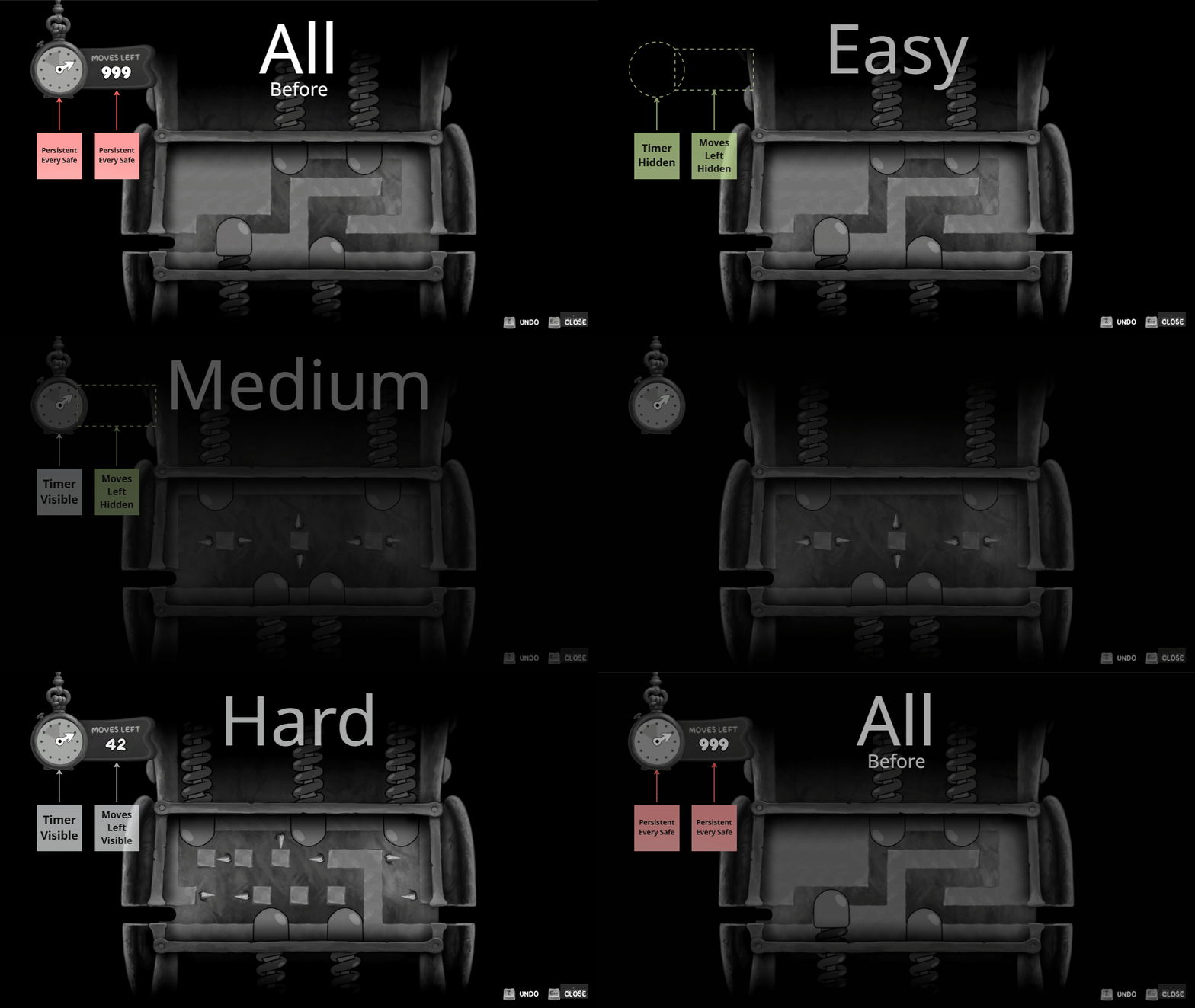
Hard Lockpicking UI & Audio Example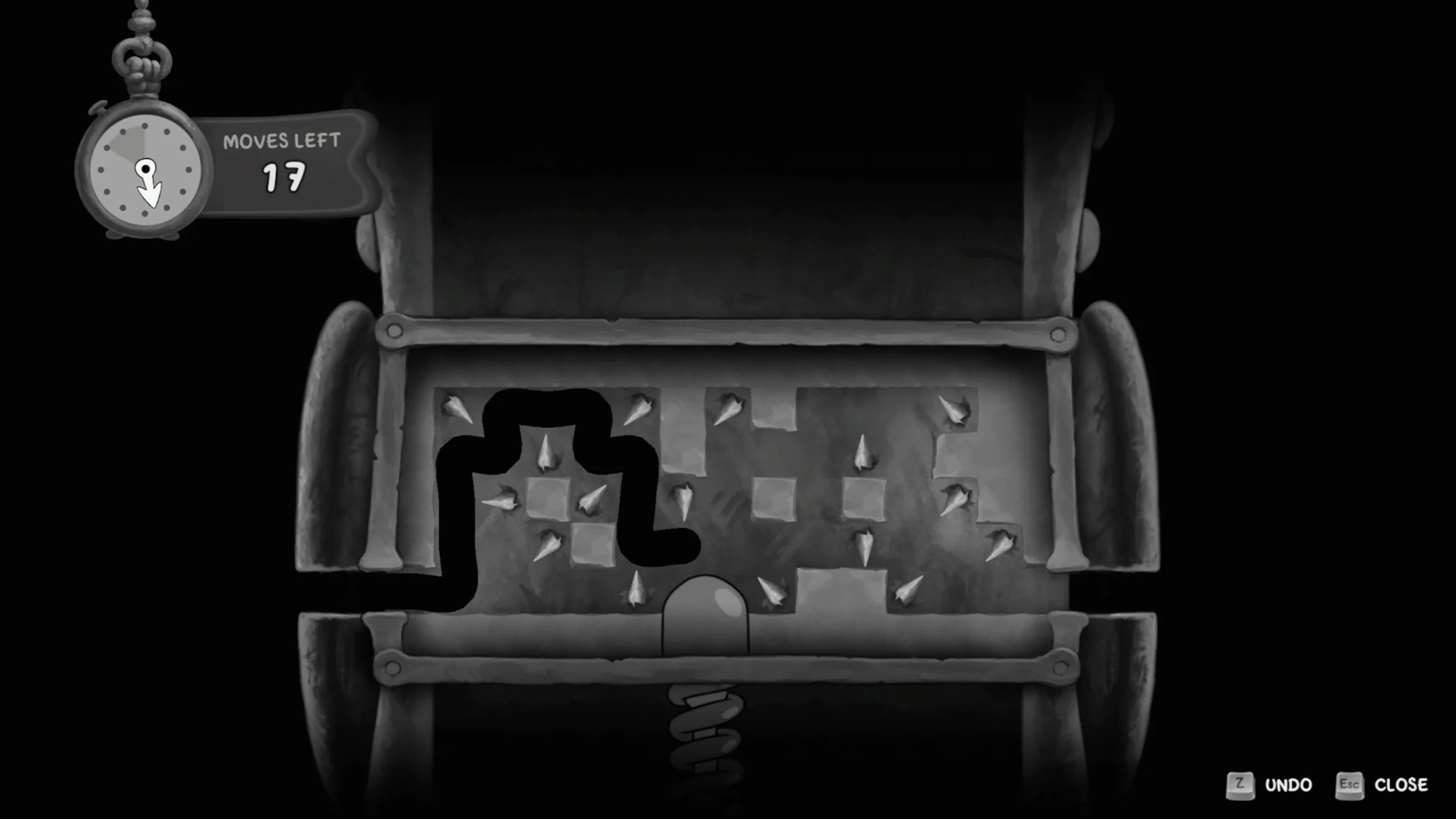
All Lockpicking UI - Before & After ExampleBoot Sequence & Troy Baker Tune
At some point, the Audio & Voice Recording team got Troy Baker to sing along to the main menu theme of Mouse. The entire team was in love with it as soon as we heard it - but it went unused for a good while…. Testing a fresh build one day, I’d noticed that the boot sequence of the game just felt a bit… empty - up until the main menu fades in and the music hits. I suggested to one of the audio members that we should try inject Troy’s singalong into the booting splash sequence. A few minutes later, and Troy’s Jack Pepper tune was in - and the teams loved it!
I love that we could find a place and squeeze in just a bit more of flavour. What better way to start Mouse than to be greeted by Troy Baker.
Boot Splash Screens To Menu Flow[Unreleased] Curated Boss Per Difficulty Scaling System.
Cheese & Health Potions Cure Damage Over Time effects (DOT’s).
TNT fuse VFX & lighting.
Updated Freeze Gun Beam Impact VFX readability.
Von Harzer & Milford Soyer Render Texture Setup & Maintenance.
Controller vibration tuning.
Input remapping & default input schemes.
Established design language for golden path destructible walls.
Advocated for spatial audio on typewriters.
Tutorial Poster Setup & Placement.
Guiding voice recording sessions with internal Voice Actors.
Identified and created over 200 bug tickets during development.
Fixed upwards of 100 bugs.
TNT Quick Throw Update
Context
TNT was exclusively equipped through the weapon wheel. It remains equipped, until it’s swapped out. TNT’s ammo capacity is 5.
Problem
To use TNT and swap back to a gun requires a minimum of 7 interactions. More if you include aiming reacting to changing combat situations.
1 → 3 = Open Weapon Wheel, Select TNT, Close Weapon Wheel.
4 = Throw TNT.
5 → 7 = Re-open Weapon Wheel, Select Desired Weapon, Close Weapon Wheel.
This caused too much friction and meant players were never using TNT - especially with it’s low ammo capacity. Subsequently, it meant that players would never want to or need to pick up more TNT ammo throughout levels.
Solution
I pursued allowing TNT to be thrown instantly from a single (remappable) button press - similar to older and modern FPS titles. Throwing TNT then auto-equips the previous weapon quickly. This resulted in removing practically all friction from throwing TNT. Additionally, I updated the TNT to explode immediately on contact with enemies. These changes made it a viable and effective part of the players combat toolkit. This also meant players more actively picked up TNT ammo in levels.
Weapon Wheel Slow TNT Throw
One-Input Quick throw TNT
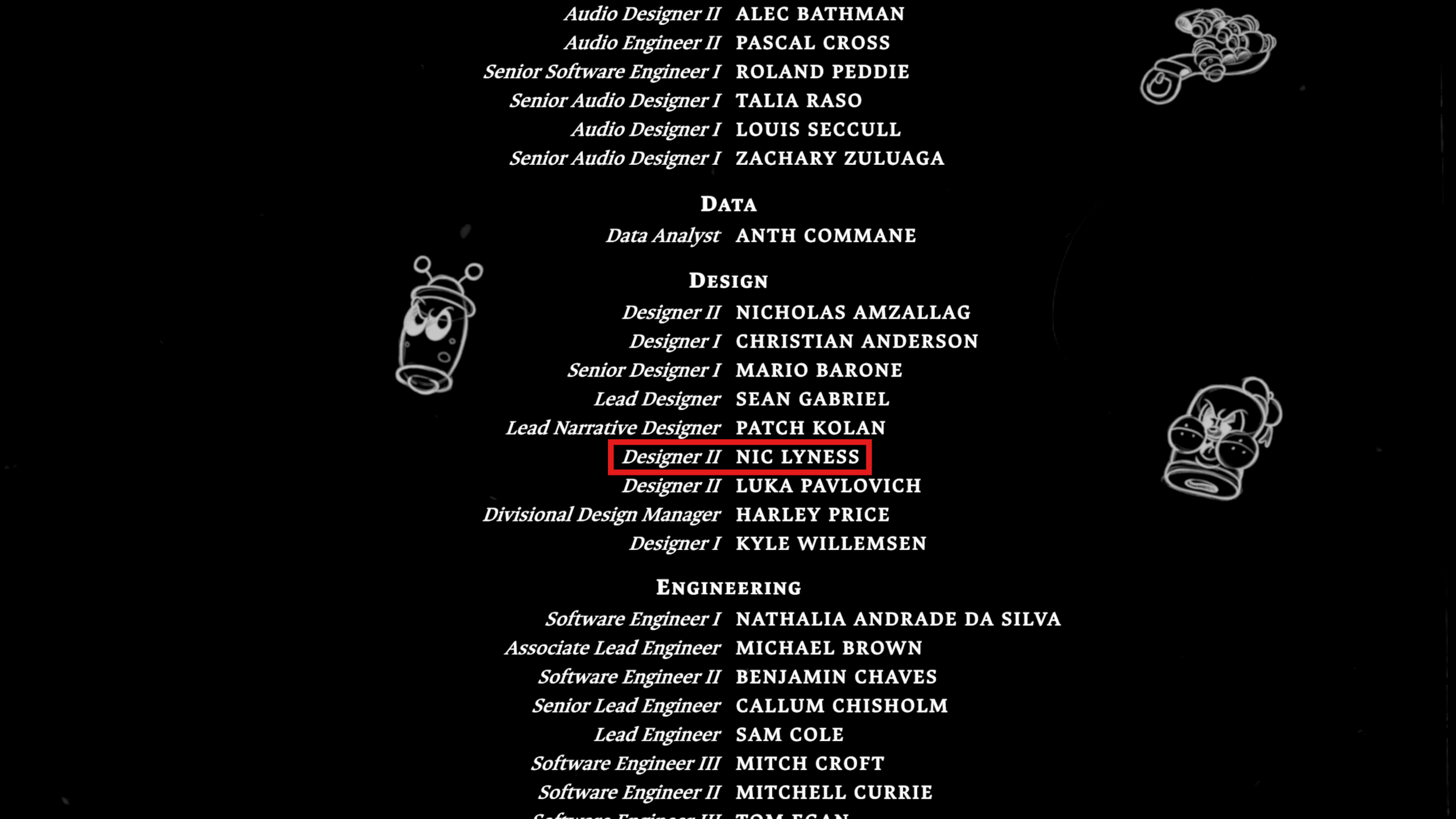
Credit
Mouse: P.I For Hire - Official Accolades
Mouse: P.I. for Hire – Exclusive Boss Fight Gameplay | IGN First
MOUSE P.I. For Hire - Official Boss Fight: Robo-Betty Trailer | Convergence Games Showcase 2026
Coming Soon…